<
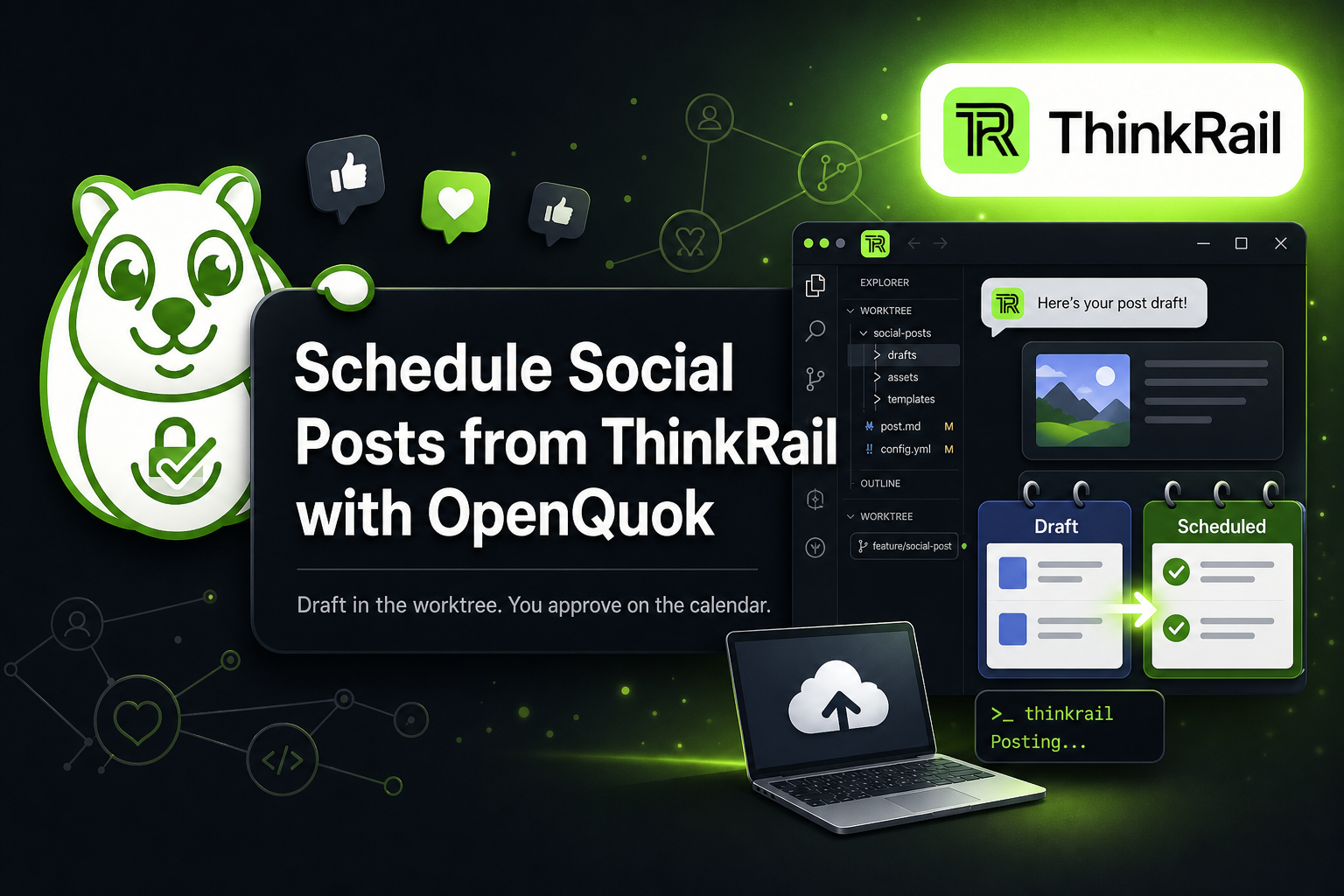
OpenQuok now ships as a ThinkRail skill: open a git repo, cut a worktree, let the in-process coding agent draft and queue posts from chat and the worktree terminal, and keep every publish behind OpenQuok approval. Same human-in-the-loop as scheduling from Grok Bot or any other connected channel.
Landing: ThinkRail + OpenQuok. Editor MCP path: OpenQuok for Cursor. Install and auth: ThinkRail agent setup.
CLI + skill, not an always-on MCP socket
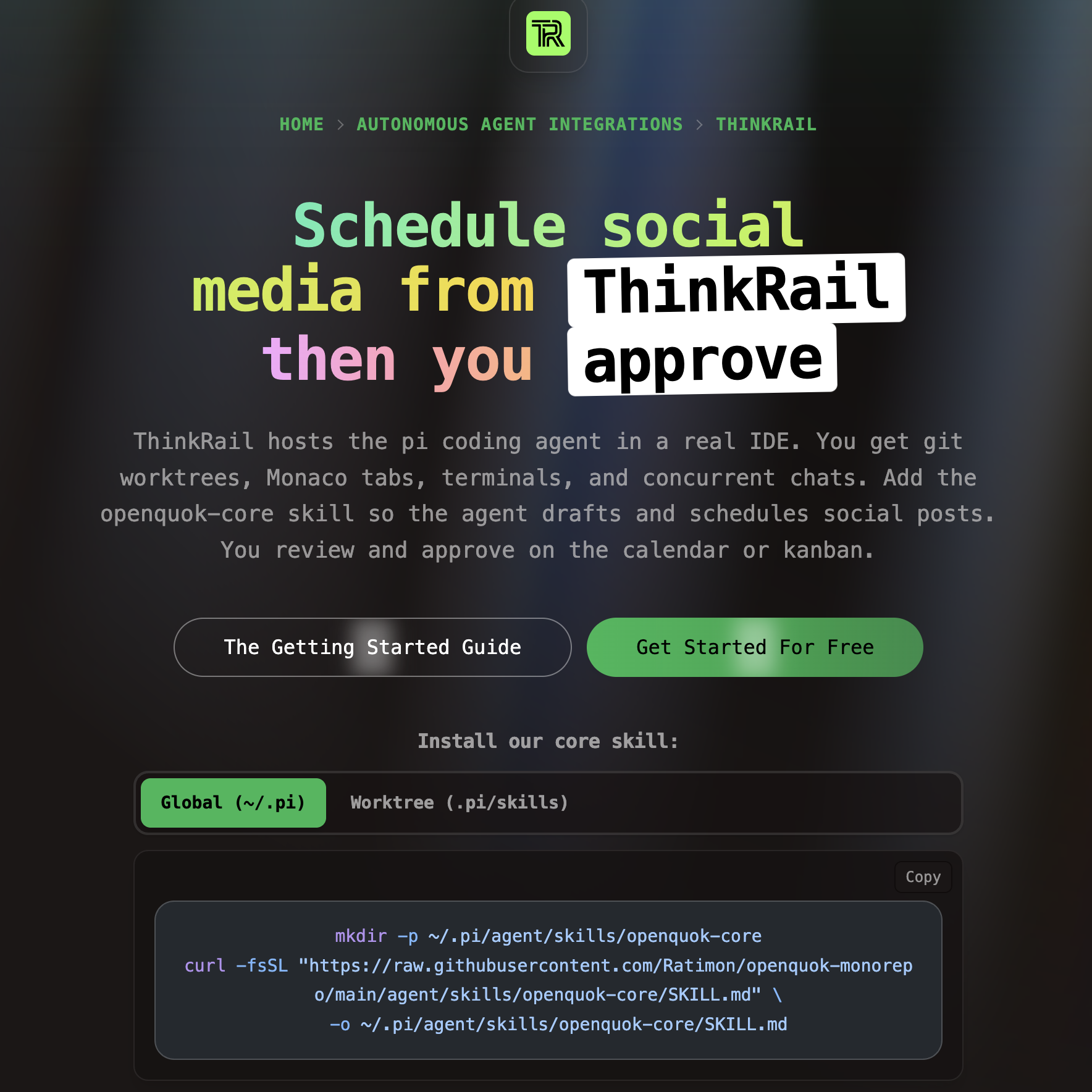
OpenQuok is CLI-first: JSON on stdout, workspace uploads, drafts you can reject. ThinkRail is a thin host around the pi coding agent — it does not paste OpenQuok into a Cursor-style MCP config. A saved skill keeps chat context small. Editor MCP still fits Cursor or Claude Code; ThinkRail fits isolated git worktrees with Monaco, terminals, and concurrent chats. Many teams use both.
Install once, then compose like any channel
In a ThinkRail terminal scoped to the worktree, install the global CLI and copy the skill where pi discovers it (not only on a laptop you are not using):
npm install -g @openquok/auto-cli@latest
openquok --version

mkdir -p ~/.pi/agent/skills/openquok-core
curl -fsSL "https://raw.githubusercontent.com/Ratimon/openquok-monorepo/main/agent/skills/openquok-core/SKILL.md" \
  -o ~/.pi/agent/skills/openquok-core/SKILL.md
For a single client branch, use .pi/skills/openquok-core/SKILL.md in the worktree instead. Assemble recipes first in Skill Builder if you customize per channel.
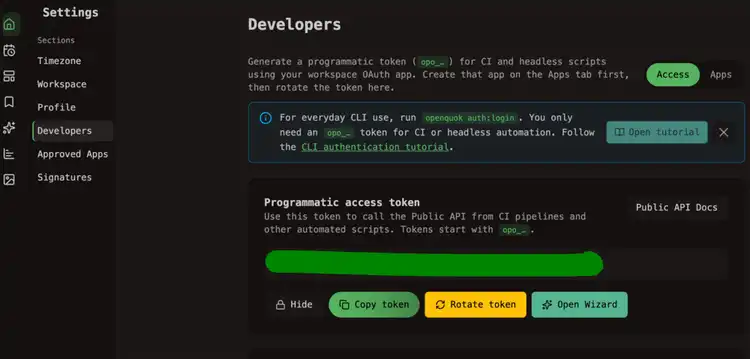
Auth with device login in the browser ThinkRail opens, or set OPENQUOK_API_KEY to a programmatic token (opo_...). Full walkthrough: ThinkRail agent setup.
For CI or a headless worktree terminal, create a workspace OAuth app on the Apps tab, then copy or rotate a token under Account → Settings → Developers. See CLI authentication — programmatic token.
Pick a slot, then draft — do not publish yet
Give the agent a window and a channel UUID from openquok integrations:list. Benchmark slots with the Best Time to Post calculator (or a channel page such as TikTok) if you want a starting point — then tell the agent “draft only.”
Example prompt: list connected accounts, draft a LinkedIn post for tomorrow 9am about a launch, save as draft, do not schedule until you approve.
Human approval stays the gate
Posts you create through the CLI land as drafts or scheduled items in your workspace. Nothing goes live on autopilot. Review on the calendar or kanban, then approve. ThinkRail handles volume on a clean worktree; you handle the copy — same gate as Dev.to tags and series and every other connected channel.
Prefer MCP inside another editor? Wire OpenQuok in Cursor with project MCP config — see the Cursor MCP setup guide — and keep ThinkRail for worktree-scoped teammates on the same workspace.