You want agents to draft and queue social posts. OpenQuok is the scheduler. You connect channels once. You review on the calendar or kanban. You approve what goes live.
The open question is which agent harness sits in front of that scheduler. Vendors ship different shapes: cloud teammates, terminal CLIs, IDE agents, and chat connectors. OpenQuok groups the ones that share a stack into agent ecosystems on the agents directory.
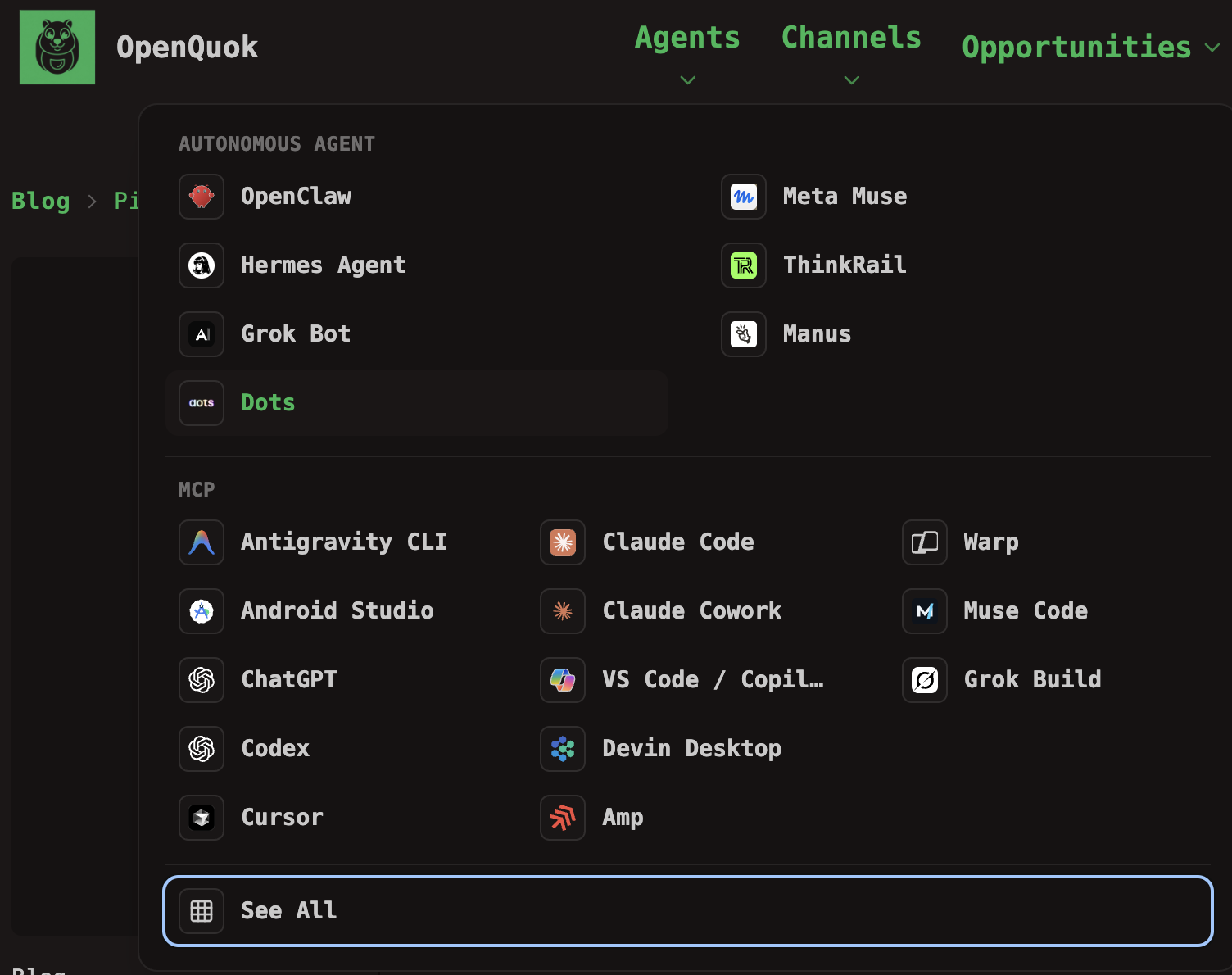
This post maps those ecosystems. It does not crown one vendor. It helps you match daily typing habits and flagship networks to the right landing page. For two-way forks inside one vendor, use our scenario library: Grok Bot vs Grok Build, Grok Bot vs OpenClaw, and Claude vs OpenAI.
OpenQuok stays the same. The harness changes.
Every path uses one workspace. Social logins stay in OpenQuok. The assistant lists channels, checks platform limits, and saves drafts. Nothing publishes on its own unless you ask for publish now after you already approved the copy.
An ecosystem is not a second product. It is navigation and buyer guidance. It pins related integrations on the hub. It marks first-class channels where that vendor’s audience usually starts (Meta-owned apps, X, YouTube). You can still schedule every other supported network from the same workspace.
Four vendor ecosystems at a glance
Ecosystem | Typical chat or cloud host | Typical MCP or IDE client | First-class channel examples |
|---|---|---|---|
Meta consumer | |||
OpenAI personal agents | ChatGPT (connector) | All channels; no single pinned network | |
xAI Grok | |||
Google Gemini | — (MCP-first on the hub) |
Host means you message an agent that can run skills or plugins on a cloud computer or Gateway. MCP client means you stay in a terminal or IDE and call OpenQuok tools over HTTP. Many teams use one host for routines and one MCP client for repo-side drafts.
Meta consumer: Muse chat vs Muse Code
Meta’s split mirrors xAI’s split. Meta Muse is the consumer personal agent. You add openquok-core through plugins or skills. Muse Code is the coding agent on dev.meta.ai. You add OpenQuok with MCP in the terminal workflow.
Facebook, Instagram, and Threads are first-class on OpenQuok for this ecosystem. Polish copy in the Humanizer. Fix stills in the Photo Editor. Then approve on OpenQuok.
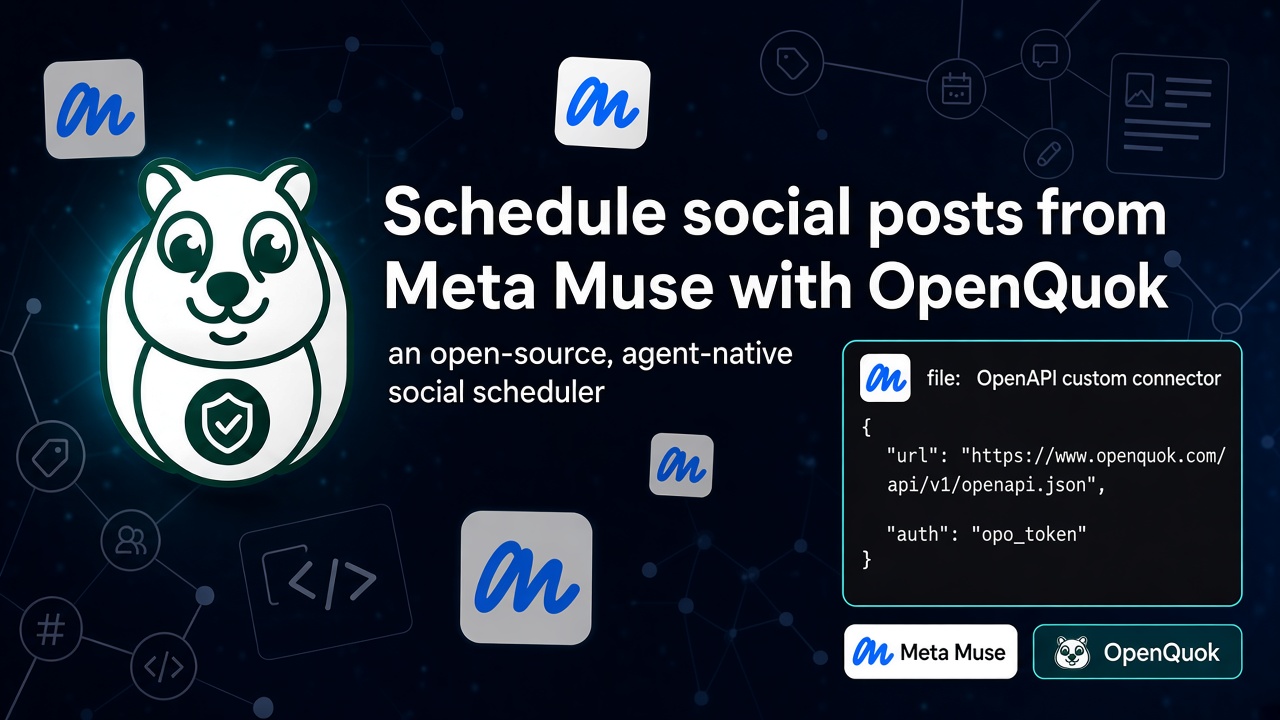
Setup: Muse Code → Muse Code MCP setup. Chat hosts that use skills → Skill Builder for channel recipes.
OpenAI personal agents: Dots, OpenClaw, and ChatGPT
OpenAI’s direction includes always-on Dots on managed cloud computers. OpenClaw is the self-hosted Gateway path for Telegram, WhatsApp, Slack, and your own machine. ChatGPT adds OpenQuok as a custom connector when chat is home, not the terminal.
This ecosystem does not pin one social network. Teams often pair it with image-led Instagram work or multi-channel ops. For lab-level choice (Codex vs Claude Code vs Dots vs ChatGPT), read Claude vs OpenAI. For cloud Bot vs self-host Gateway, read Grok Bot vs OpenClaw (same scheduling rules; different host constraints).
xAI Grok: Grok Bot, Grok Build, and Cursor
Grok Bot is the desktop or iOS teammate on xAI’s shared cloud computer. Grok Build is the grok CLI with MCP. Cursor is a third surface: same OpenQuok MCP tools from Agent and Composer, often with Grok or other models writing the draft.
X is first-class for the xAI ecosystem. Connect LinkedIn, TikTok, and the rest when you need them. The full surface fork is Grok Bot vs Grok Build. Setup: Grok Build MCP setup and Cursor MCP setup.
Google Gemini: Android Studio and Antigravity CLI
Google’s Gemini line on OpenQuok is MCP-first on the hub. Android Studio adds OpenQuok in Gemini Agent mode inside the IDE. Antigravity CLI adds OpenQuok beside Gemini in the terminal.
YouTube is the natural first-class example for video and Shorts. You are not limited to YouTube. Wire MCP once, then list every connected channel from the same workspace.
Setup: Android Studio MCP setup and Antigravity CLI MCP setup. Tokens: MCP getting started. Tool names: MCP tools reference.
Integrations outside the four ecosystems
Not every agent maps to a vendor ecosystem. Hermes Agent, ThinkRail, Manus, Warp, Claude Code, Codex, and others still draft through OpenQuok when you add MCP or skills. Browse the full agents directory. Pick the page that matches where you type. Keep one approval workflow in OpenQuok.
Scenario: Meta-owned apps are your main KPI
Lean toward the Meta consumer ecosystem.
Start with Meta Muse when chat and plugins are home. Start with Muse Code when the terminal on dev.meta.ai is home. Connect Facebook, Instagram, and Threads in OpenQuok first. Add other networks when campaigns need them.
Scenario: you want OpenAI cloud computers without running a Gateway
Lean toward Dots in the OpenAI personal agents ecosystem.
Install openquok-core via plugins. Use Skill Builder when you need channel-specific skill zips. Choose OpenClaw when credentials must stay on infrastructure you control.
Scenario: X is your home network
Lean toward the xAI Grok ecosystem.
Use Grok Bot for many named Bots on one login. Use Grok Build or Cursor when the terminal or repo is home. Read Grok Bot vs Grok Build before you commit to one surface.
Scenario: Gemini in the IDE or terminal plus video
Lean toward the Google Gemini ecosystem.
Pick Android Studio when Android or IDE Agent mode is daily work. Pick Antigravity CLI when agy is already in your shell. Schedule long-form and Shorts through YouTube after you connect the channel in OpenQuok.
Scenario: social scheduling with you in control (all ecosystems)
Any ecosystem works. Shared rules:
Connect channels in your workspace. Agents target integrations by UUID.
Default to draft or schedule when you want a review step. Say publish now only when you already approved the copy.
Use supported channels from the channels directory. Plans and limits: pricing.
Quick decision table
Your priority | Lean toward ecosystem | Start here |
|---|---|---|
Facebook, Instagram, or Threads first | Meta consumer | |
OpenAI cloud teammate vs self-host Gateway | OpenAI personal agents | Dots vs OpenClaw; see Grok Bot vs OpenClaw |
ChatGPT chat, not terminal | OpenAI personal agents | |
X-first publishing | xAI Grok | Grok Bot; MCP: Grok Build or Cursor |
Grok cloud Bot vs Grok CLI | xAI Grok | |
Gemini IDE or terminal + video | Google Gemini | |
Codex vs Claude Code (lab choice) | Either lab via MCP | |
One workspace, many surfaces | Mix ecosystems | Agents directory; isolate tokens per surface |
Next steps
Pick the ecosystem that matches your flagship networks and daily typing surface.
Open the matching agent landing page. Follow its MCP or skill setup guide.
Connect channels. Create an
opo_…token under Developers → Access.Send one real draft. Approve the row in OpenQuok before you add a second host or CLI habit.
More scenario posts live under When to Choose X vs Y Scenarios on the blog topics index.