Introduction to OpenQuok
Social scheduling and directory launch in one workspace — connect channels, draft posts, build product profiles, and review before you publish or submit.
Connect your agent today
Draft from chat, review in your calendar, and publish only what you approve.
Overview
Schedule social posts and launch product listings from one workspace. Review on the calendar or kanban before posts publish. Review each directory form before you submit on the directory site.
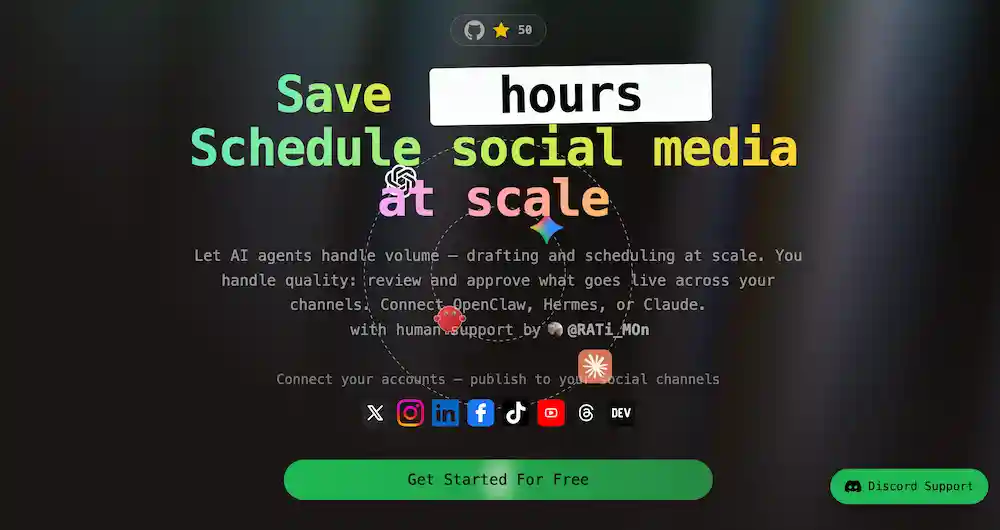
OpenQuok is a content workspace for social scheduling and directory launch. Agents can draft at scale. You keep quality when you review and approve work before it goes live.
Use the dashboard, the browser extension, the CLI, MCP, and the public API (the TypeScript Node.js SDK is also supported). Self-host when you need an open alternative to closed SaaS tools.
Social posting channels
Connect social channels in a workspace. Write in the post editor, reuse templates, or send drafts from an agent. Review drafts on the calendar and kanban before anything publishes to a network.


Directory launch destinations
Build a product profile on My Products. Pick a directory destination such as PeerPush or Uneed. Launch with the browser extension to autofill each form — install from the Chrome Web Store listing on Chrome, or see Browser extension. You submit the listing on the directory site yourself. Directory destinations are not OAuth social channels — see Directory integration.



Choose your paths
Start with the track that matches you — the product, Cloud, a self-hosted install, or free creator tools.
Social scheduling
Guides for the dashboard — connect channels, compose draft posts, review on calendar or kanban, schedule and publish when you approve.
Directory launch
Guides for product profiles, directory autofill, and submission tracking — you prefill your main profile then submit each listing on the directory site via our browser extention’s autofill.
Building on OpenQuok
Integrate, automate, or contribute.
Related Section(s)
More product guides plus automation and contribution paths.