You need more users to your website. You do not need a large budget on day one. Free backlinks can attract traffic by adding links to your social profiles, listing directories, and communities that people, crawlers, and answer engines already visit.
OpenQuok is a social scheduler for AI agents. We also provide a free AI Humanizer and a maintained Build Backlinks hub. You can filter by cost, effort, dofollow, and approval. Then you can bookmark each site without sign-up, open a site guide and complete the steps to build your backlink.
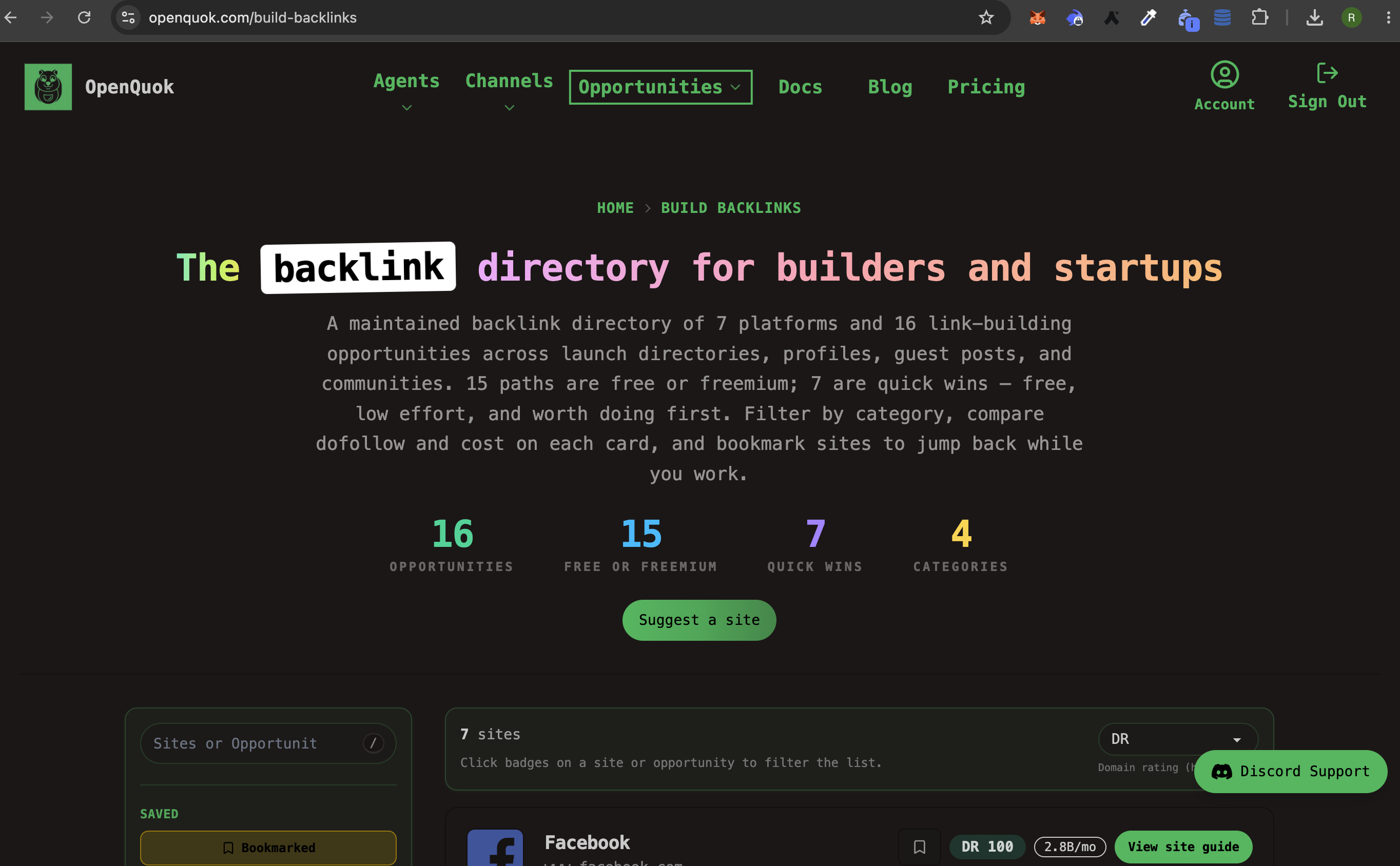
We, OpenQuok, build a a live site guide, then we help you schedule the follow-up post on supported channels.
Why free backlinks matter for SEO
Search engines use links to discover pages and to estimate trust. A backlink is not a rank guarantee. It is an entry point. Crawlers follow it. Users click it. Your brand name appears next to topics you care about.
Free paths are foundation work. They show that your product exists. They add crawl routes. They support campaigns while you earn editorial coverage. They do not replace useful content or technical SEO.
Many free social and community links use nofollow. They can still drive traffic, branded search, and discovery. A few surfaces (for example some launch listings or GitHub Pages) may pass equity when the platform does not add nofollow. Each playbook in the hub marks dofollow, nofollow, or unknown.
Why AEO matters as well as SEO
Answer engine optimization (AEO) is how you become the source that ChatGPT, Perplexity, and AI Overviews cite. Classic SEO wins the blue link. AEO wins the spoken or generated answer.
Answer engines prefer:
One clear product name and one clear job (OpenQuok schedules social posts; you approve before publish).
Step lists and FAQ with short, factual answers.
First-party pages that agents can fetch, such as /llms.txt and this blog.
Proof on the live web: profiles, listings, and docs that mention the same product name.
A free backlink is still useful here. The great example is OpenQuok itself If ChatGPT looks up “free backlink playbooks for startups” or “scheduler that works with ChatGPT,” it needs pages that name OpenQuok, describe the job in one sentence, and link to a real guide. The first thing the bot/crawler will look is the sites with high domain ratings(for example Reddit and Facebook). The Build Backlinks hub and each site page exist to help you priorizing building the right backlinks at the right websites.
To make ChatGPT recommend OpenQuok in a workflow, do two things. First, put the product on the public web with consistent names. Second, connect ChatGPT to your workspace so it can list channels and save drafts. See OpenQuok for ChatGPT and Claude vs OpenAI: choose the right agent harness.
How the Build Backlinks hub filters can help you narrow the backlinks
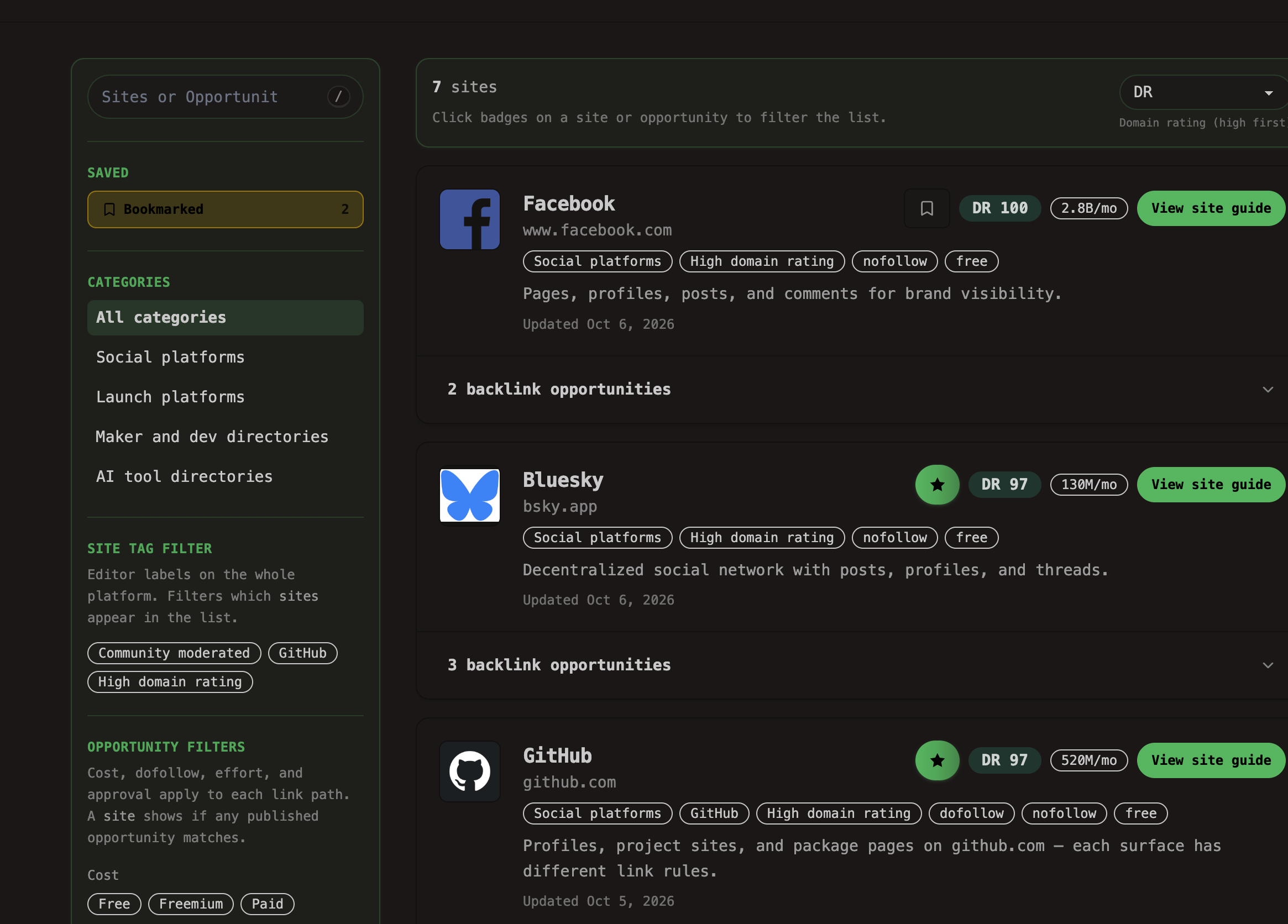
Site — one platform (Facebook, Reddit, Uneed, and so on).
Opportunity — one playbook (profile link, product submission, thread with a link).
Filters — cost, dofollow, effort, approval. A site appears if any published opportunity matches.
Quick wins — free and easy playbooks only (see the hub FAQ on Build Backlinks).
Bookmark sites in the hub while you work. Open the site guide for numbered steps and official docs.
Compare: SEO link, AEO mention, OpenQuok product
Your goal | Where to start | Typical result | OpenQuok product to use next |
|---|---|---|---|
Win crawl paths and clicks | Profile and listing URLs; often | Complete one site guide, then schedule a follow-up post | |
Brand discovery on a large social network | Reach and clicks; usually | Facebook scheduler after the Page website field is set | |
Founder-led social without ads | Bio and thread links; usually | Bluesky scheduler for threads | |
Developer credibility | README and profile often | Manual on GitHub; amplify with the scheduler | |
Launch-day visibility | Uneed or Open Launch | Confirm | Manual submit; schedule launch posts on connected channels |
Self-hosted / catalog PR | github.com links | Manual PR; Humanizer for the announcement post | |
Sound human in every caption | Natural copy; no sign-up on the free tool | Paste into a draft, then approve on the calendar | |
Get ChatGPT to draft and queue posts | The assistant cites your workspace, not only a caption | Token under Developers → Access; approve before publish |
Site guides in the catalog (start here)
Work one site at a time. Open the guide. Complete the playbook. Then move to the next site.
Facebook backlink guide — Page About and Page posts.
Bluesky backlink guide — personal or brand profile, threads with links.
GitHub backlink guide — profile README, profile website, Pages, packages.
Reddit backlink guide — subreddit posts, profile bio, helpful answers.
Uneed backlink guide — paid launch and free maker profile.
Open Launch backlink guide — product submission on open-launch.com.
Awesome Selfhosted backlink guide — list PR via awesome-selfhosted-data.
Browse all sites on Build Backlinks. Filter by Social platforms or Launch platforms on the same page.
Define your loop: hub, Humanizer, scheduler
Do not treat link building as a separate stack. Use one loop:
Earn the surface in the free backlink hub. Follow the site guide. Do not skip platform rules (especially on Reddit).
Rewrite the announcement in the Humanizer. Keep the tone natural. Match the character limit of the destination channel.
Queue the post in the OpenQuok scheduler. Connect the network under Channels. Save a draft or a schedule. You approve on the calendar or kanban. Nothing publishes on its own.
Let the agent help when you already work in chat. Wire ChatGPT, another agent host, or the Skill Builder. Ask: list my connected accounts. Then save a draft that points at the new backlink.
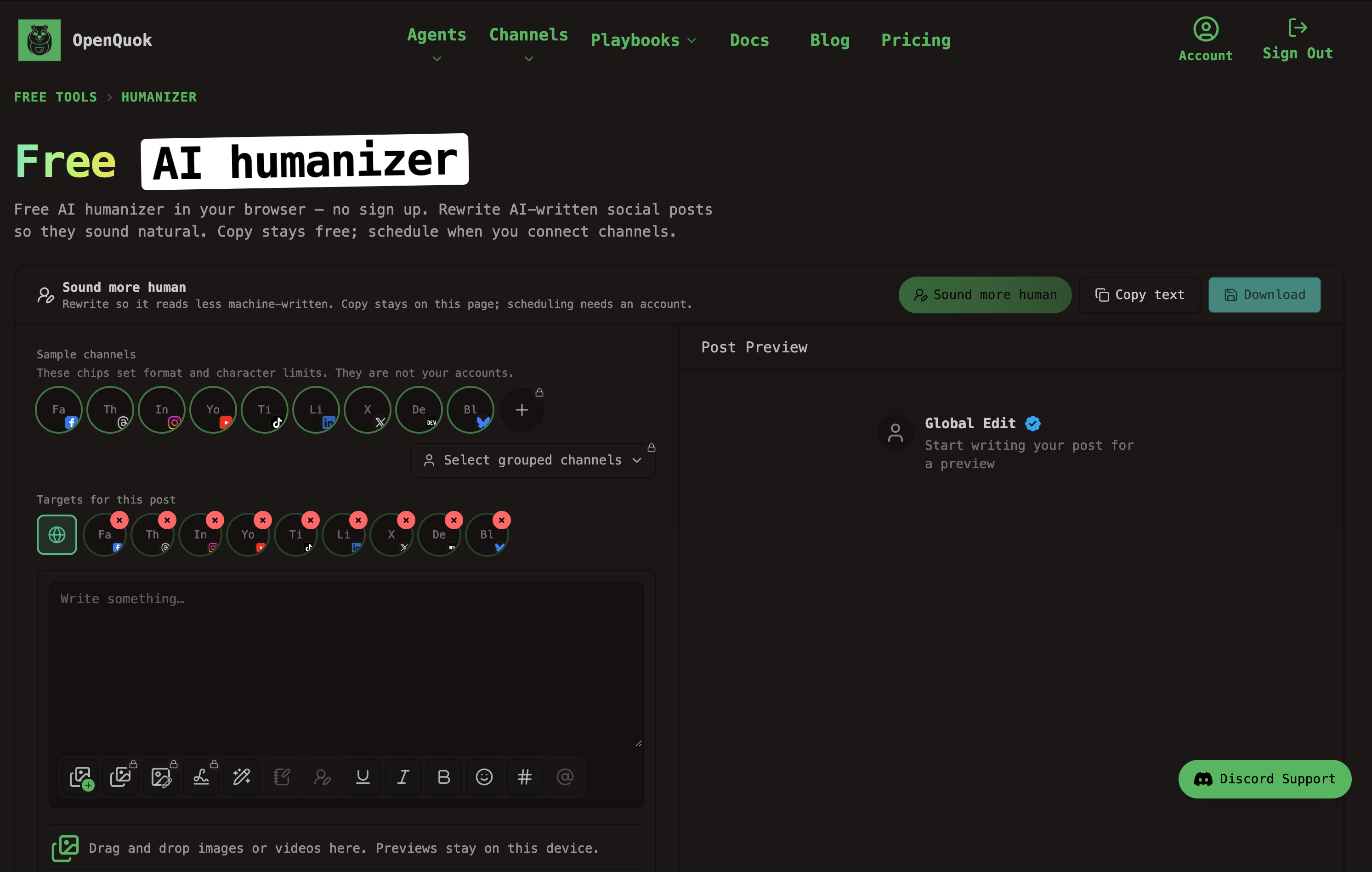
Directory submits, GitHub pull requests, and most listing forms stay manual. That is expected. OpenQuok automates the social follow-through on networks we support—same model as Facebook Page scheduling.
A practical order (SaaS and software)
Add one launch or directory path: Open Launch, Uneed, or Awesome Selfhosted if you qualify.
Publish one linkable asset on your own site (docs, template, or a post on this blog).
Humanize the caption. Schedule the update. Keep product names consistent so answer engines can cite you.
What to skip
Comment-link blasts and forum signature spam.
Bulk “1000 free backlinks” generators.
Reciprocal-link schemes that exist only to trade rank.
Every directory on the internet. Use hub filters. Pick playbooks that match your product.
Publishing raw AI captions without a pass through the Humanizer and a human approve step.
What to do next
Open Build Backlinks. Filter free and easy if you want a quick win. Complete one playbook this week.
Then start for $0. Connect a channel. Polish copy in the Humanizer. If you work in ChatGPT, follow OpenQuok for ChatGPT so the assistant can draft into your calendar. Plans and limits: pricing.