You want to post from chat. You already use Claude or ChatGPT. The hard part is not another caption. The hard part is getting that draft onto LinkedIn, X, or TikTok without copy-paste into five apps.
OpenQuok is the scheduler. You connect your channels once. You review drafts on the calendar or kanban. You approve what goes live.
Claude and OpenAI are the assistants in front of that scheduler. Pick Claude Code or Cowork when you live in Anthropic. Pick ChatGPT, Codex, or Dots when you live in OpenAI. Both can draft and queue posts. OpenQuok still holds the accounts and the publish button.
This post helps you pick a path. It does not ask you to pick a single winner. Many teams run both on one workspace. Start from the agent integrations hub.
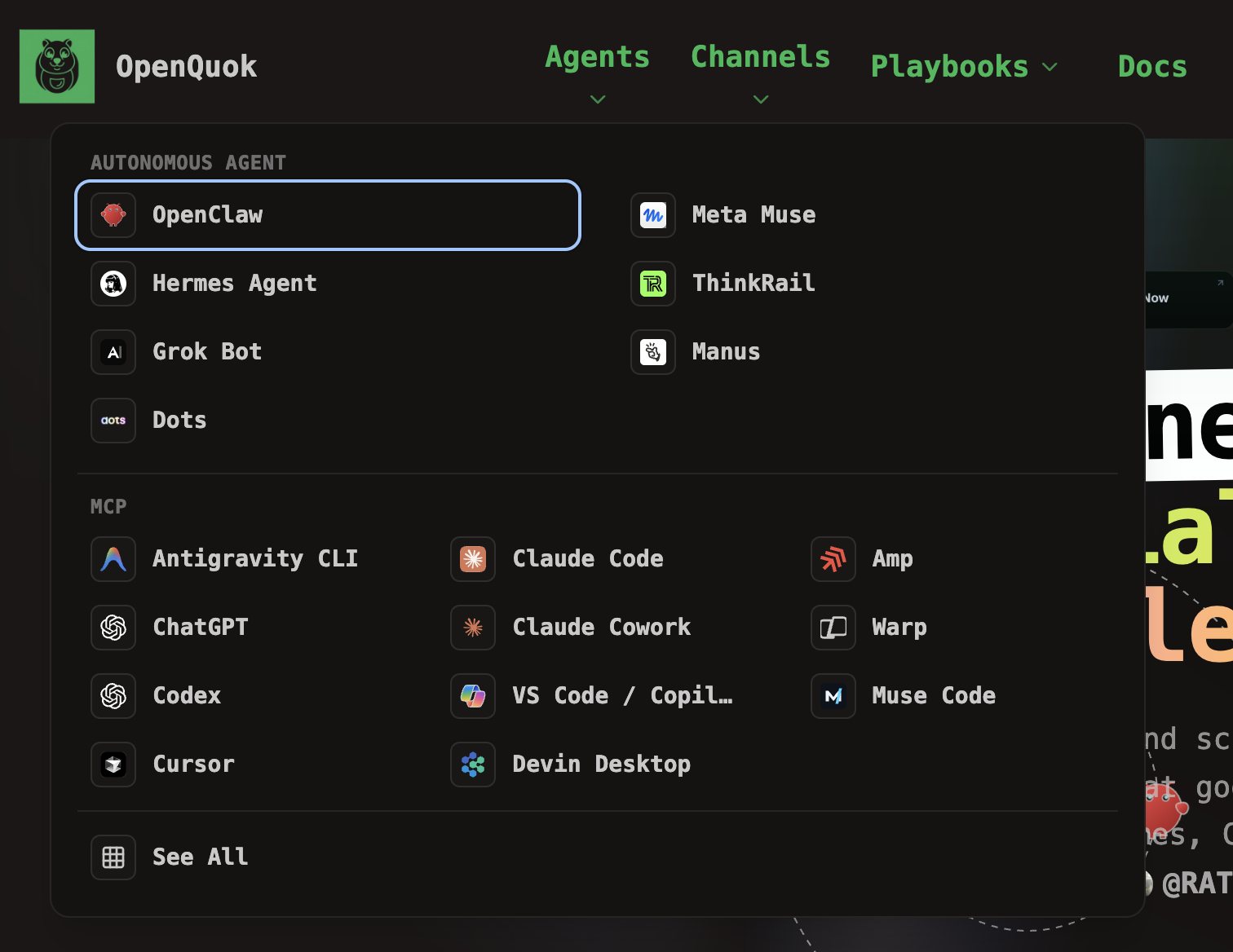
For cloud desktop vs self-host, read Grok Bot vs OpenClaw first.
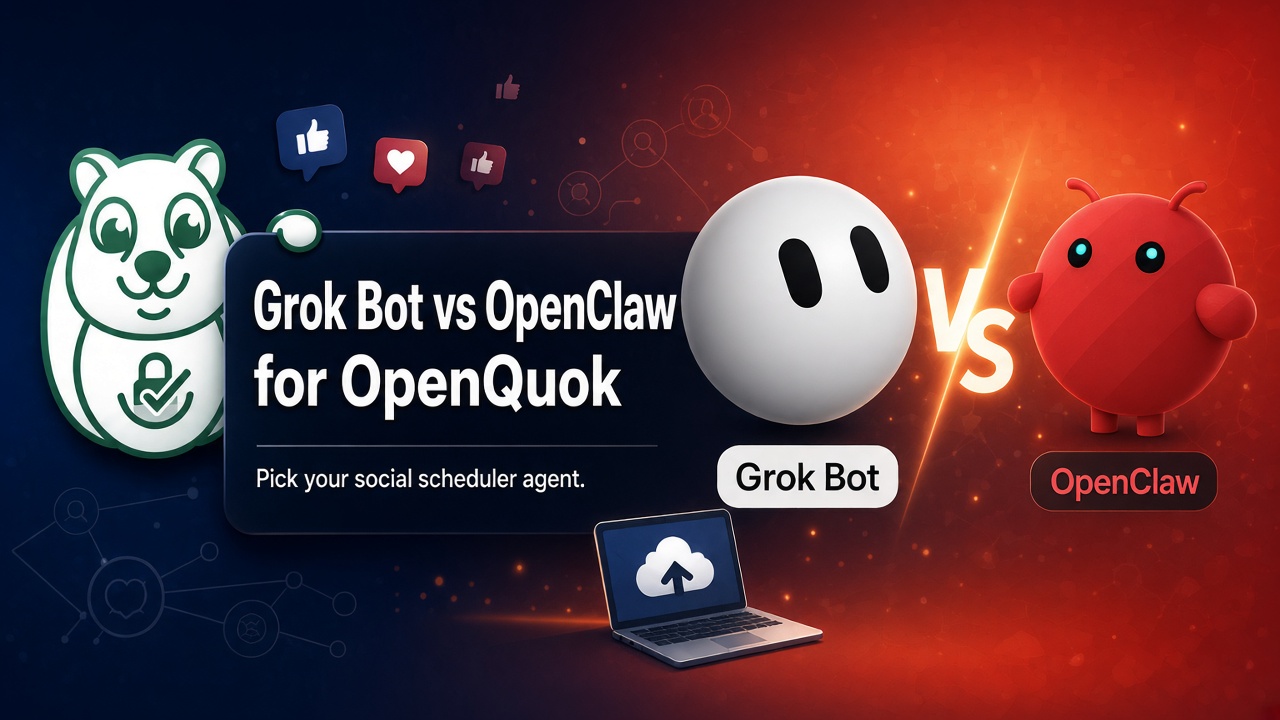
OpenQuok stays the same. The assistant changes.
Every path uses one workspace. Your social logins stay in OpenQuok. The assistant lists channels, checks platform limits, and saves drafts. You approve on the calendar or kanban. Nothing publishes on its own.
OpenAI surfaces include ChatGPT, Codex, and Dots. Anthropic surfaces include Claude Code and Claude Cowork. Other tools such as Cursor can use either lab’s models. The daily choice is still: do you work in OpenAI products or in Claude products?
Claude vs OpenAI: how each assistant is built
OpenAI Codex — open setup, many models
Codex is a terminal coding assistant with an open-source setup. You are not locked to OpenAI models only. You can try another model later without rebuilding your whole workflow.
That helps when your team tests models often. You keep one OpenQuok workspace. You only change the model that writes the post. Tool calls still land as drafts in OpenQuok.
Setup: OpenQuok for Codex and Codex MCP setup.
Claude Code — closed setup, Anthropic-first
Claude Code is a closed-source assistant built around Anthropic models. You trade multi-vendor flexibility for one loop: long sessions, strong writing, and tools in the terminal. Fable-class models fit multi-step work: list channels, check limits, save drafts.
Follow How to Post to Social Media with Claude Fable 5.1, Claude Code + OpenQuok, and Claude Code MCP setup. Teams can share connectors in Claude Cowork.
Quick pick
Choose OpenAI Codex when you want to swap models without a new setup.
Choose Claude Code or Cowork when Anthropic is already approved and you want one vendor line.
Choose ChatGPT when you work in Chat or Work, not the terminal. See GPT-6 Astra + OpenQuok.
Choose Dots when you want an always-on OpenAI computer, not the same thing as ChatGPT chat. See Schedule Social Posts from OpenAI Dots.
Choose a chat host such as OpenClaw, Hermes, or Grok Bot when Telegram, Slack, or WhatsApp is home. Build the skill in Skill Builder.
Claude vs OpenAI: where your data sits
Large teams ask where chat and drafts live. They also ask who can read them. Rules such as GDPR and HIPAA care about that.
Reported OpenAI direction: encrypt retained data with keys you control, while the vendor still meets security checks.
Reported Anthropic direction: keep sensitive files in your own cloud, so the vendor does not hold the main copy.
OpenQuok adds a third wall: social tokens and post payloads live in your workspace, not inside ChatGPT or Claude chat logs. Ask legal to review both the assistant vendor and OpenQuok. For marketing, keep one rule: the model proposes. You approve in OpenQuok.
Claude vs OpenAI: images vs motion
OpenAI — images in chat, then schedule
ChatGPT is strong at stills. A simple loop is: brief in chat → image or carousel → attach or paste a public URL → save as a draft in OpenQuok. GPT-6 Astra can do those steps when the OpenQuok connector is on. Polish copy in the Humanizer. Fix crop in the Photo Editor. Approve on OpenQuok.
Full walkthrough: How to Post to Social Media with ChatGPT GPT-6 Astra. Landing: OpenQuok for ChatGPT.
Claude — motion and one-shot video plans
Recent Claude Opus and Sonnet models are strong at one-shot motion briefs: hooks, on-screen text, timing, and notes for an editor. Claude does not replace OpenQuok for TikTok, Reels, or YouTube. Video needs processing time. Schedule in OpenQuok. Do not publish large files at once.
Use Claude Fable 5.1 for scheduling from Claude. Pair trust-building with How to Warm Up a TikTok Account to Reach a US Audience before you scale API posting. Pick slots with Best Time to Post.
Run both on one workspace
Many teams use OpenAI for image-led Instagram and Facebook work. They use Claude for short-video scripts and LinkedIn long-form. One OpenQuok calendar gates everything.
Chat assistant vs editor assistant
The lab choice is not the only fork. The agents hub splits two ways of work:
Chat hosts — memory, messaging apps, and a skill such as
openquok-core.Editor or terminal clients — focused sprints in Cursor, Codex, or Claude Code.
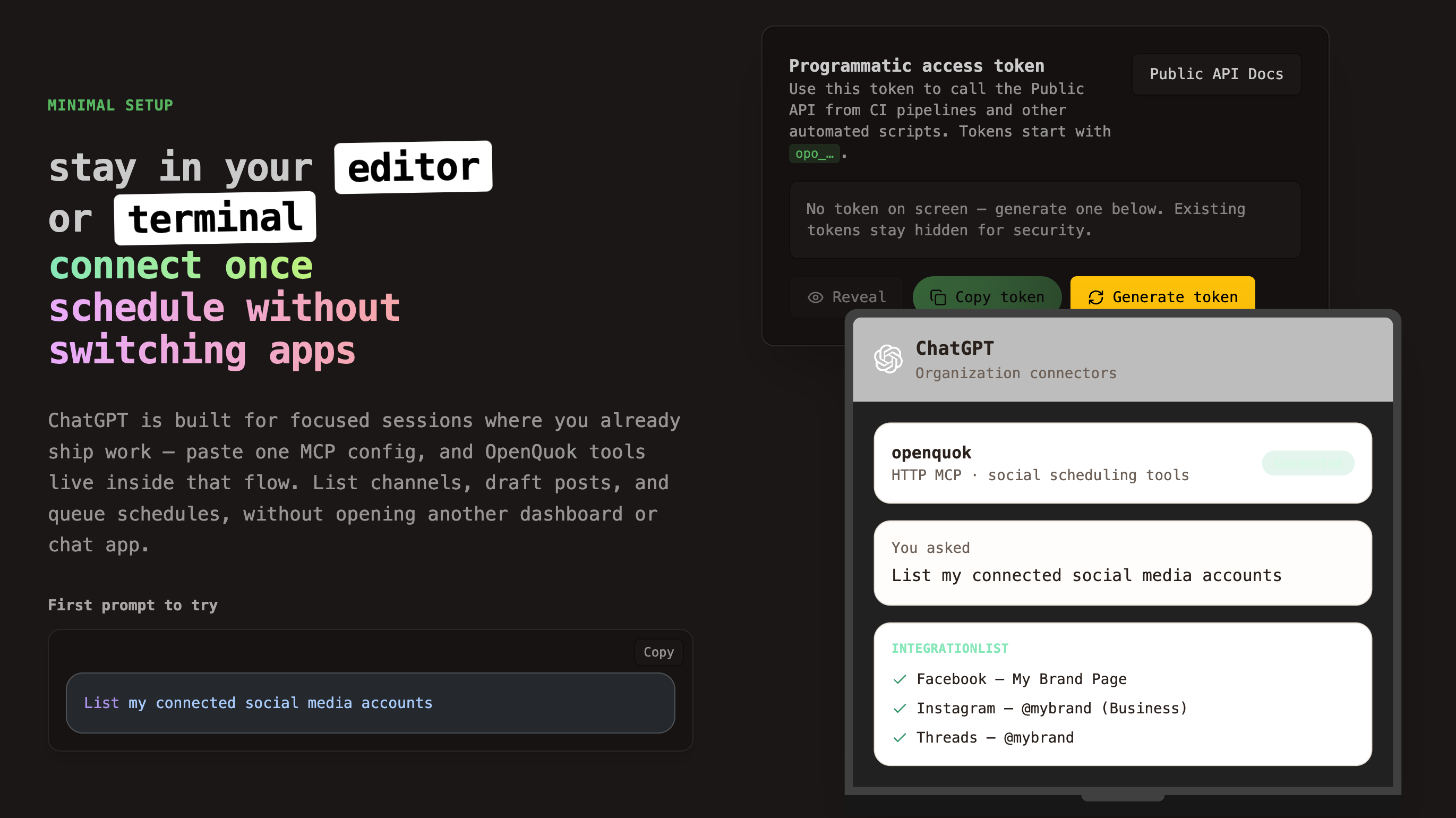
OpenAI and Anthropic both offer editor or chat paths. OpenAI also offers Dots and ChatGPT connectors. Start at MCP getting started for tokens. Use the MCP tools reference for prompt names.
Decision table: Claude vs OpenAI for OpenQuok
Your priority | Lean toward | OpenQuok wiring |
|---|---|---|
Swap models without a new setup | OpenAI Codex | Add OpenQuok in Codex config |
Anthropic-only terminal sessions | Add OpenQuok with one terminal command | |
Shared team connectors | Org connector JSON | |
Chat-native posting | ChatGPT + Astra | Custom connector URL |
Always-on OpenAI computer | Plugins + Skill Builder | |
Image-first campaigns | ChatGPT | Draft → Photo Editor → approve |
Motion-first short video | Claude Fable in Code or Cowork | Export video → schedule |
Phone-first chat scheduling | Skill path; see Grok vs OpenClaw |
What to do next
Connect channels in OpenQuok. Create a workspace token under Developers → Access. Pick one OpenAI path and one Claude path only if you truly need both. Verify with: List my connected social media accounts.
More scenario posts live under When to Choose X vs Y Scenarios. Plans and limits: pricing.