Backlinks Opportunities
Bookmark sites on the Build Backlinks hub and manage your shortlist.
Connect your agent today
Draft from chat, review in your calendar, and publish only what you approve.
Backlinks tab
Save backlink opportunities from the backlinks hub and keep them in your list.
Open Account → Saved
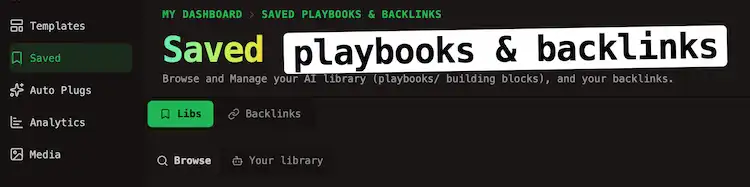
And switch to Backlinks tab.
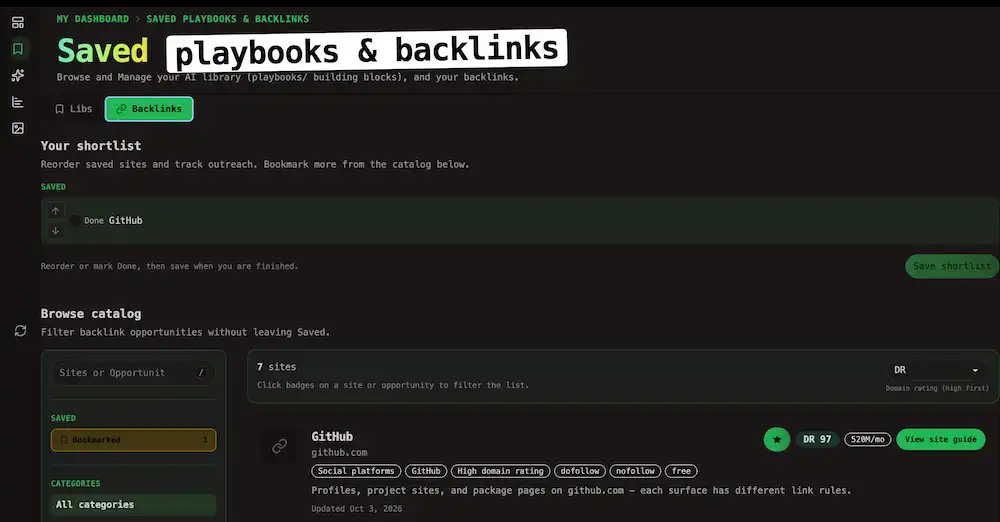
The tab also lists every site you bookmarked on public Build Backlinks page.
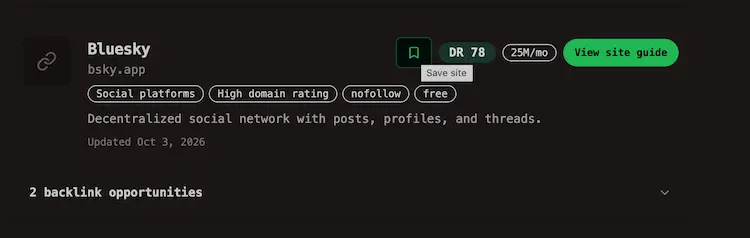
Bookmark on the public hub
While you browse Build Backlinks, use Bookmark to add it to your shortlist. You can bookmark without sign-up.
Note
Build Backlinks bookmarks are separate from listing bookmarks on Libs → Browse.
Reorder your list
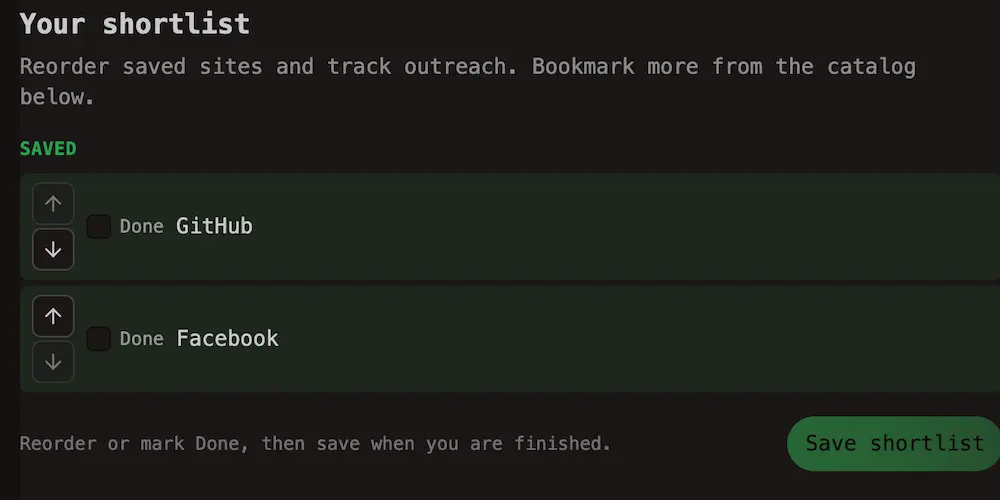
Reorder needs a paid Cloud plan.You can Move up and Move down to prioritize outreach as to-dos.
Warning
Mark to-do done
Check it when you finish outreach for that site, or clear Done to move a site back to your active list.
Tip
Cookies and local storage
Anonymous bookmark picks may live in browser storage until you sign in. OpenQuok also uses first-party cookies for account and product features. See the Cookie Policy for how cookies are used across the app.