Growing on TikTok is not only about the video.
If you are outside the United States but want your videos shown to US viewers, your account setup matters just as much as your content.
TikTok reads device-level signals—cached GPS, Apple ID metadata, App Store region, and IP origin—not just what you upload. A mismatch between language, region, App Store country, and VPN location is one of the fastest paths to shadow limits or the wrong audience.
Posting through TikTok’s official Content Posting API works well once an account is warmed up and trusted. For US targeting from abroad, many creators still start on a clean iPhone with one consistent country fingerprint, then connect that account to a scheduler. This guide walks through that setup for the United States, then shows how OpenQuok helps you stay consistent after warm-up.
iPhone, not Android: In my experience, iPhone is easier to align for US signals when you follow the steps below. Plan for roughly 2–3 TikTok accounts per device at most; beyond that, TikTok often flags the device. Scaling usually means more phones (or dedicated mobile proxies per device), not more accounts on one phone.
Step 1: Factory reset the iPhone
Settings → General → Transfer or Reset iPhone → Erase All Content and Settings. Enter your Apple ID password to disable Find My iPhone. After 5–15 minutes the phone reboots to the “Hello” screen.
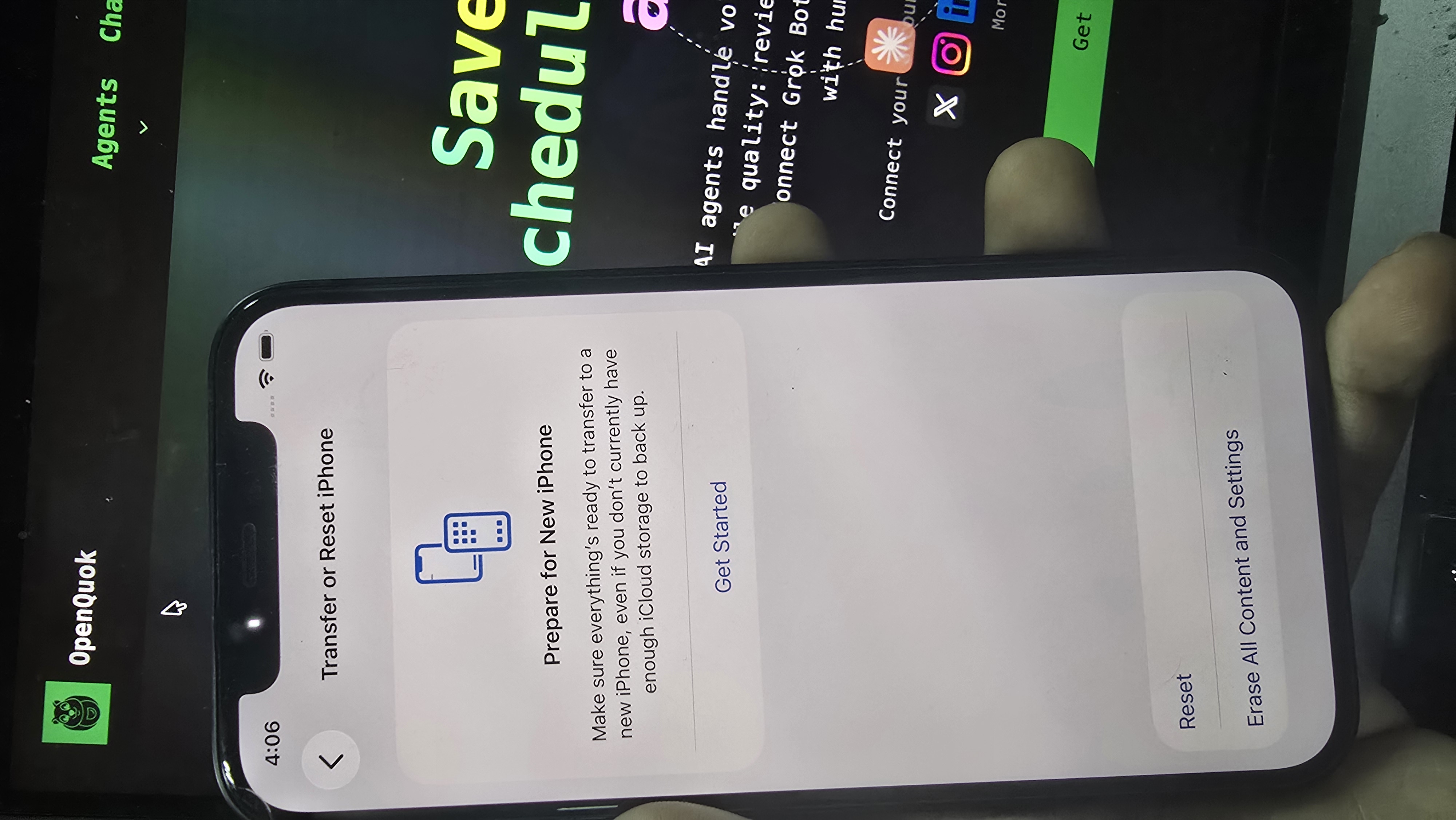
A phone that has not been fully wiped can still carry cached GPS, cookies, old Apple ID metadata, and residual network settings. TikTok reads that history. If the device traces back to a banned account, a fresh signup can inherit the flag on day one.
Step 2: Set language and region on the Hello screen
On first setup, pick English and United States (or the language and country you are actually targeting).
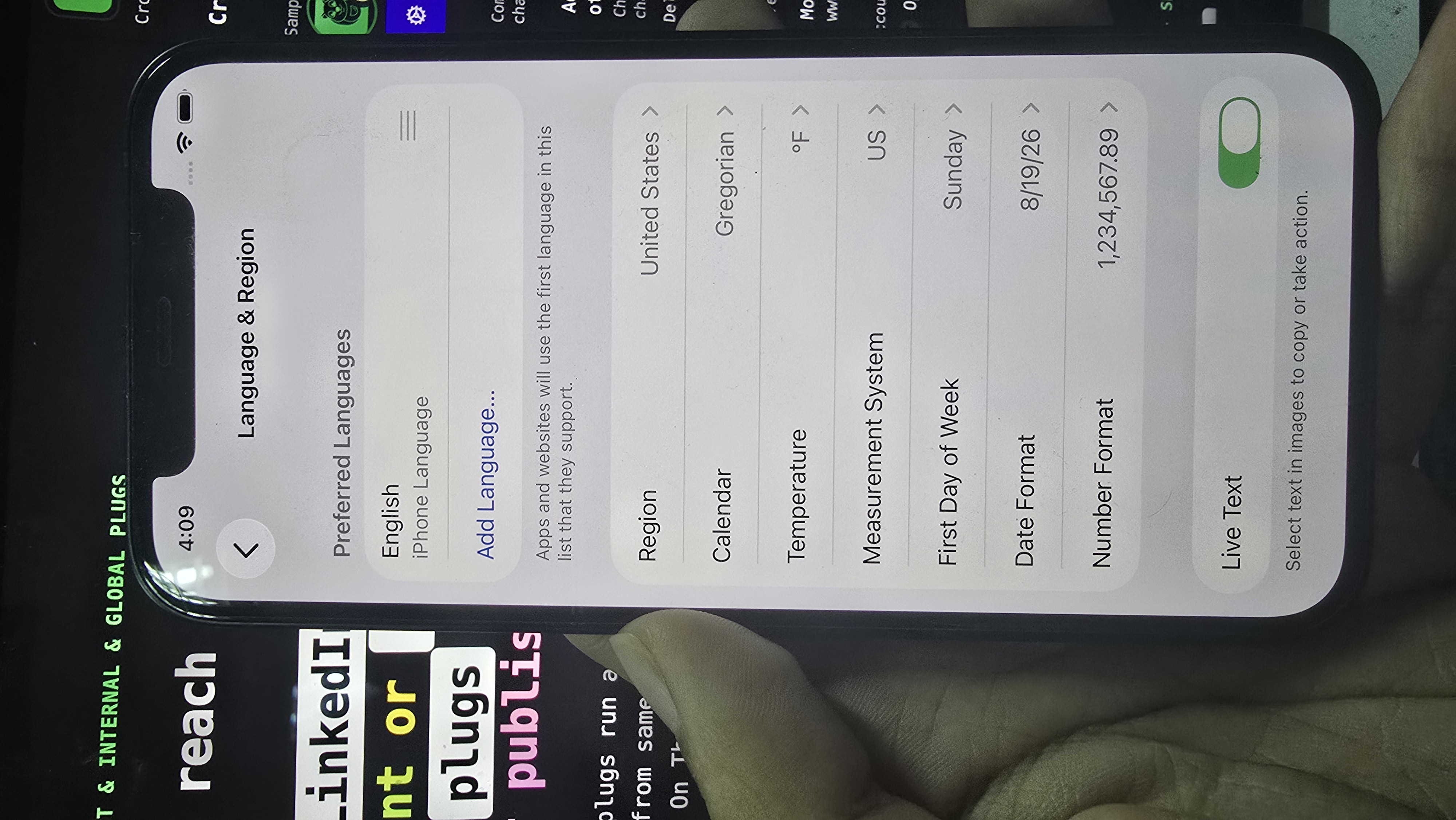
This sets the App Store you connect to, default keyboard, date format, currency, timezone, and autocorrect—all part of the device fingerprint. If you run multiple phones for the same country, keep these identical on each device.
Before you install TikTok: remove your SIM if possible, connect to your US VPN or proxy, and match your timezone to that location. Download TikTok only after language, region, and network are aligned.
Step 3: Fresh Gmail, then a fresh Apple ID
One Apple ID per phone. Never reuse.
Safari → mail.google.com → create a brand-new Gmail. Gmail tends to work more reliably for TikTok signups than Outlook, Yahoo, or ProtonMail in many setups.
Do not pattern-match your real email (avoid
[email protected]if your main address is[email protected]).Settings → Sign in to your iPhone → “Don’t have an Apple ID or forgot it?” → Create Apple ID with the new Gmail. Set name, date of birth, and country to match Step 2.
Verify with the code Apple sends to the new Gmail.
Old Apple IDs carry purchase history, linked numbers, and location data. Signing in with one undoes the clean slate from the factory reset.
Step 4: Set App Store region to the United States
Region on the Hello screen and App Store country are separate.
Settings → [Your Name] → Media & Purchases → View Account → Country/Region → Change Country or Region → United States.
Apple asks for a billing address and phone in that country. Use a realistic US address with matching city, state, and ZIP (Apple checks consistency). Use a valid US phone format; Apple typically does not call to verify. Set payment to None if available.
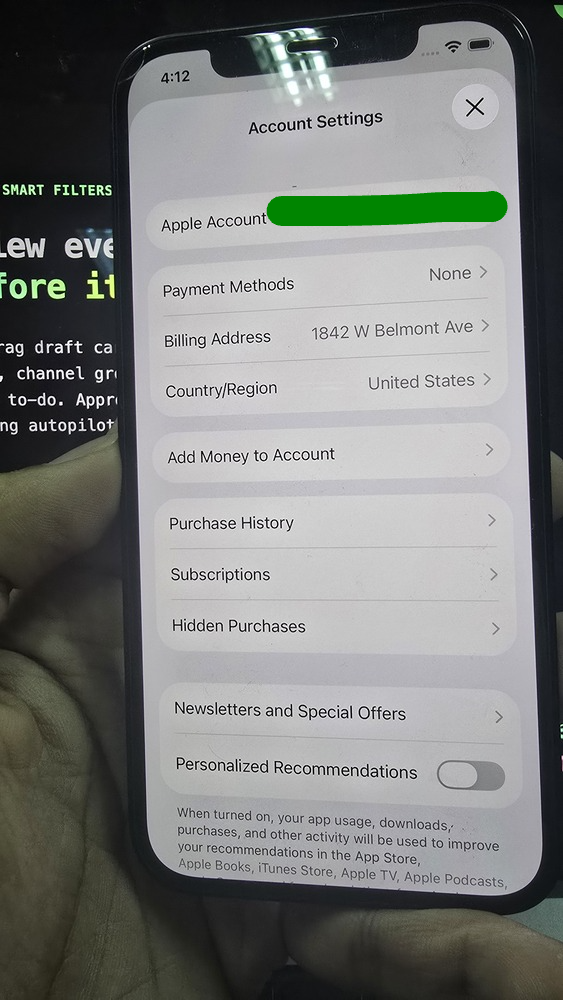
This determines which build of TikTok you download. Different markets get different moderation and features. App Store country must match your other US signals.
Step 5: VPN or dedicated proxy
Every other signal only works if your IP backs it up. Principles that age better than any single brand name:
Paid only. Free VPNs share pools with automation traffic; those IPs get burned quickly.
Dedicated or static IP. On a shared IP, one bad actor can poison the address for everyone on it.
Avoid overcrowded cheap pools. Low cost often means recycled IPs.
Failure modes (roughly in order): shadowban (views capped with no notice), account ban, then rare but serious device ID ban (the phone may be unusable for TikTok even after reset).
If warm-up is right but views still stall, see why TikTok videos have low views and what to fix first for the ban ladder, the 200-view pattern, and official API posting after week one.
For a first phone, a residential or ISP dedicated proxy is often enough. Past roughly three active personas on separate devices, many operators move to 4G mobile proxies (SIM-based, one proxy per device, never shared). Verify provider reputation in the last 30 days before you commit—pools rotate quickly.
DIY dedicated US IP: Many creators run Outline on a small VPS (for example Hetzner) for a stable exit. See the official Outline setup guide.
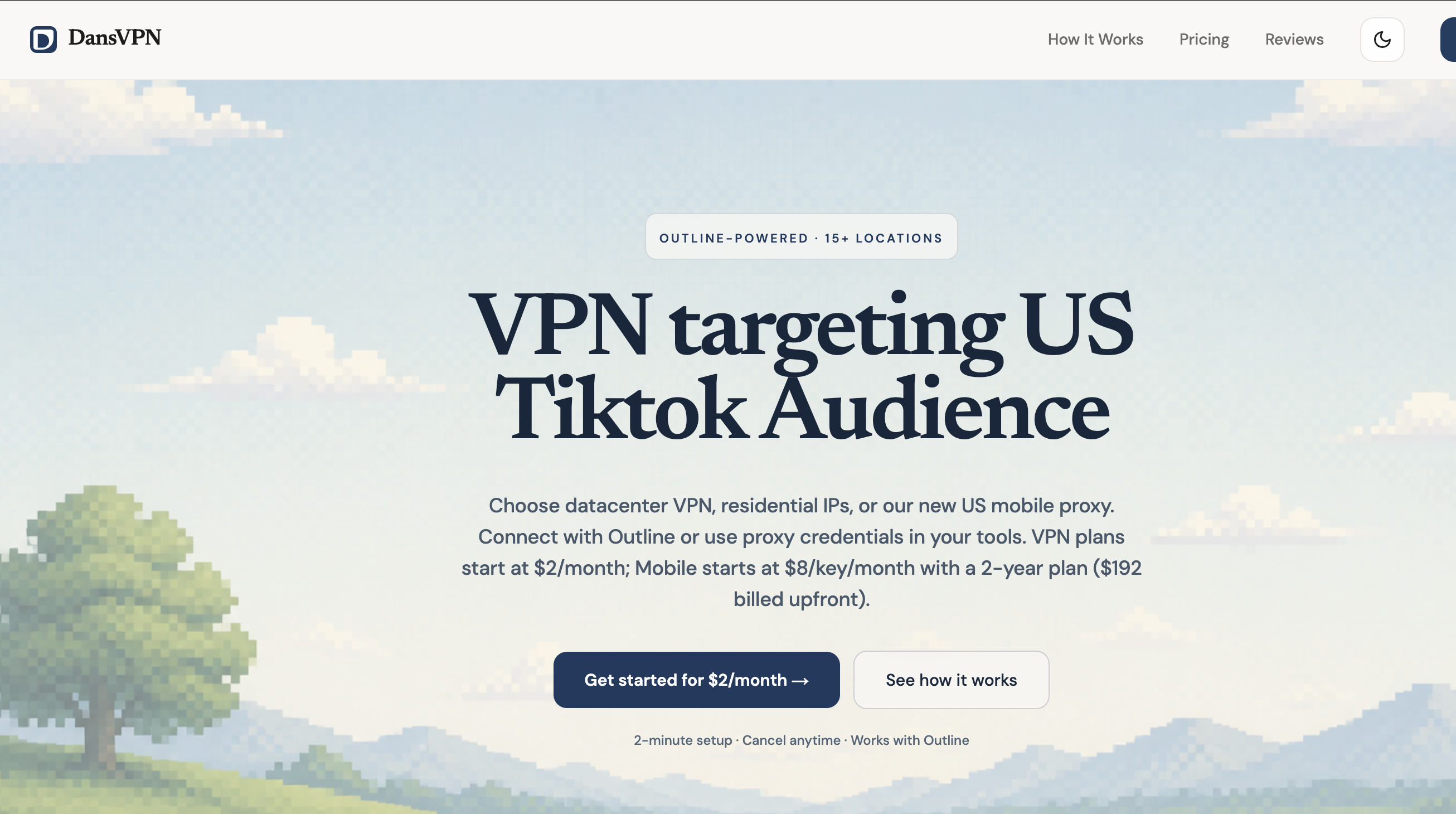
Managed option: Creator-focused Outline services such as DansVPN offer dedicated US servers so you can connect without hosting your own box. Get a key here.
ISP / residential starting points (check current reviews before buying): Rayobyte ISP, IPRoyal residential, NetNut. 4G when scaling past a few devices: providers built for social use cases such as TheSocialProxy or AirProxy, or mobile tiers from vendors you already use.
Avoid for account work: shared “rotating residential” pools meant for scraping, checkout flows that do not let you pick a single city or state IP, and providers with known contaminated pools for short-form apps.
Step 6: Create TikTok accounts and warm them up
Open TikTok from the US App Store build. Sign up with the fresh Gmail from Step 3. Use age 18+ and a unique username. Each additional account needs its own Gmail—never reuse one email across TikTok accounts.
Cap: 2–3 accounts per device. Start with one, confirm it grows, then add a second only when the first looks healthy. Add a third only after that.
When signing up, prefer email over phone where possible. If prompted for a number, confirm the prefix shows +1. Browse For You and confirm you see mostly US content before you treat the account as ready.
Warm-up schedule
Day 1 — Search only
Do not follow, like, or comment on anybody on the first day. Do not even touch your bio or profile photo. Just use search to find posts in your niche. TikTok learns from your search behavior and starts sending you more relevant content.
Day 2 — Bio and photo
Continue with natural search in your niche. Update your bio and profile photo.
Day 3 — Light engagement
Like and follow 5 accounts in your niche.
Day 4 — Scale engagement
Like and follow 10 accounts in your niche.
Days 5–6 — First post
Follow 10 accounts in your niche. Post one non-promotional video. UGC reaction videos with a strong hook work best.
The goal is to behave like a real person discovering the platform—not an automated account trying to grow overnight. Accounts that only post and never watch often look automated within a couple of weeks.
Discipline rules (these break accounts fast)
VPN on first, then open TikTok. Close TikTok first, then disconnect VPN—every session. A short real-IP leak can log a location jump.
Do not rapid-fire likes, follows, or duplicate comments.
Do not upload the same MP4 to multiple accounts; same script across personas is fine, identical files are not.
Use about 4–5 hashtags consistently instead of stuffing ten on every post.
Step 7: Stay consistent (and keep US signals stable)
Keep the same VPN or proxy connection.
Post consistently—often 1–2 videos per day is enough early on.
Engage with creators in your niche.
Monitor audience analytics to confirm US reach.
Consistency is where many creators stall: warm-up worked, but daily publishing becomes the bottleneck.
Warm-up fixes trust signals; it does not fix weak hooks or full autopilot on day one. After setup, use the low views fix order if reach stays flat.
Schedule TikTok without the daily upload grind
After the account is warmed up, the next challenge is shipping on a reliable cadence without spending hours on the phone every day.
That is where OpenQuok for TikTok helps.
OpenQuok is an open-source, agent-native social media scheduler. Connect your TikTok account once, then queue vertical videos or photo carousels on a calendar, review drafts on a kanban board, and publish through TikTok’s official APIs—from the dashboard, public API, or CLI.
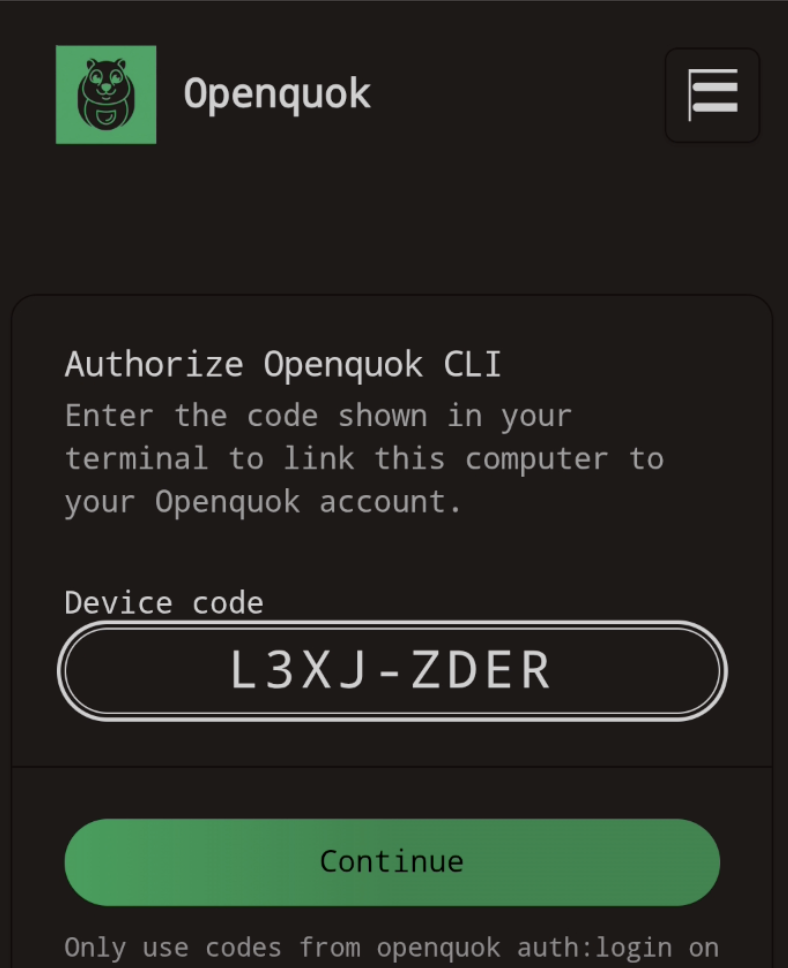
You can sign in on mobile or use an auth code via CLI. Connect once, then draft and schedule from your preferred agent while keeping US targeting signals stable on the device side. Post manually in the TikTok app for at least the first week after your first upload; then connect OpenQuok and approve each post. See TikTok CLI examples and TikTok setup.
Creators who warm up for a US audience especially benefit from:
Bulk scheduling — batch a week of clips and carousels ahead of time so posting stays consistent after warm-up
Human review before publish — agents and teammates can draft; you approve on calendar or kanban so nothing goes live on autopilot unless you choose it
TikTok-native settings — set privacy, comments, duet, stitch, and branded or AI-generated flags before the post goes out
Inbox upload when you need trending audio — queue carousels or videos to your TikTok inbox, pick trending sound in the app, and publish in about a minute a day
Cross-post without rebuilding — reuse the same media for Instagram, YouTube Shorts, and other channels with per-platform settings
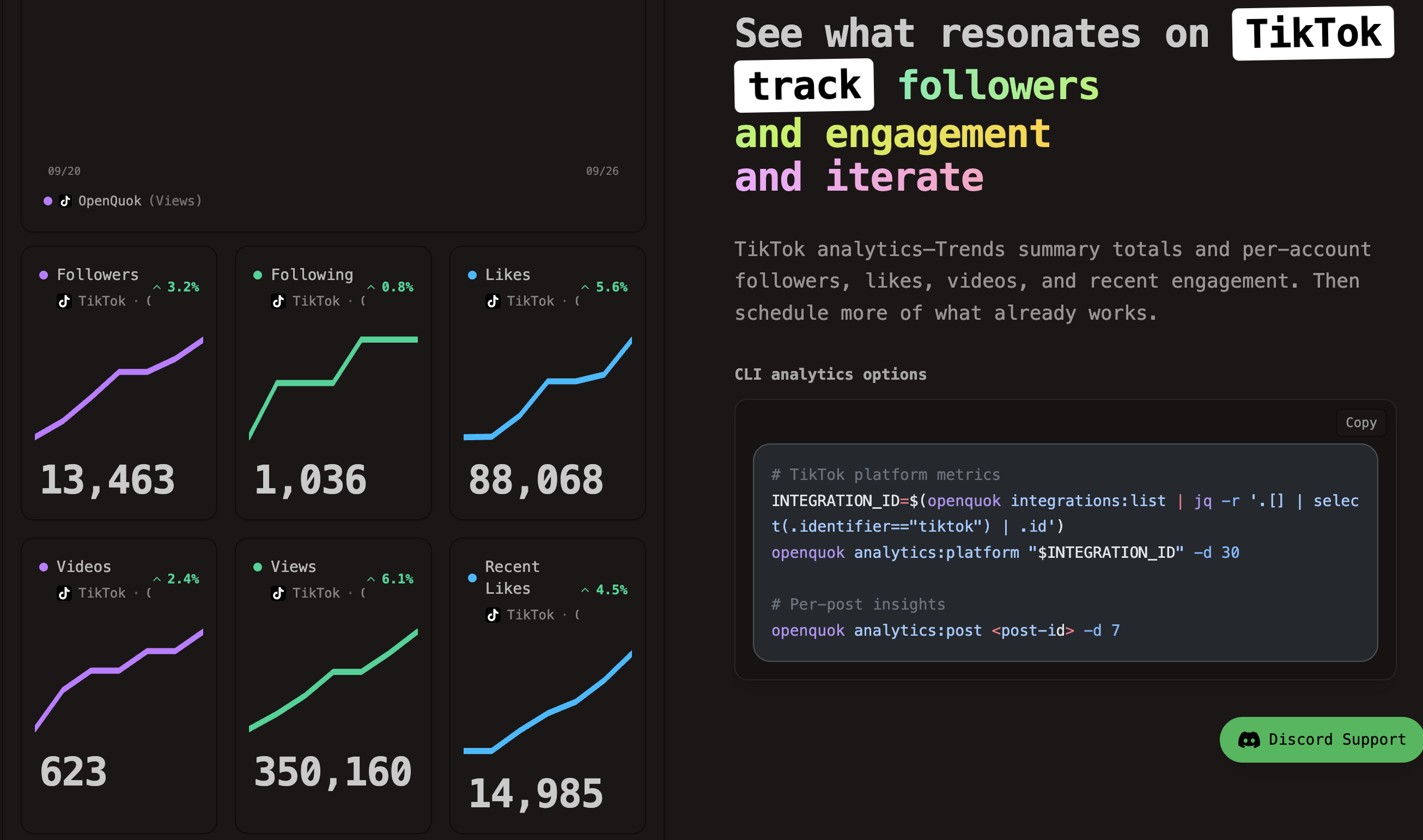
TikTok insights in one place — track followers, likes, and recent video engagement so you can schedule more of what already reaches US viewers
Warm up the account carefully. Then let OpenQuok handle the publishing rhythm—you keep the approval gate.
Whether you run one TikTok account or several brands in separate workspaces, OpenQuok helps you stay consistent without spending hours each day publishing content.
Start free on OpenQuok — 7-day free trial, no credit card required. Or open the TikTok scheduler guide to see video and carousel workflows.
Final thoughts
There is no guaranteed way to force TikTok to show your content only to a US audience. The platform blends device configuration, network consistency, behavior, and content relevance.
A factory-reset iPhone, aligned US region and App Store settings, fresh Gmail and Apple ID, dedicated IP, patient warm-up, and session discipline still beat creating an account and posting immediately.
The first week can have a lasting impact. Get the setup right, then use a scheduler like OpenQuok to keep cadence without giving up review control.
When the account is healthy but views stay low, work through what to fix first when TikTok views stay low before you add volume or new personas on the same phone.