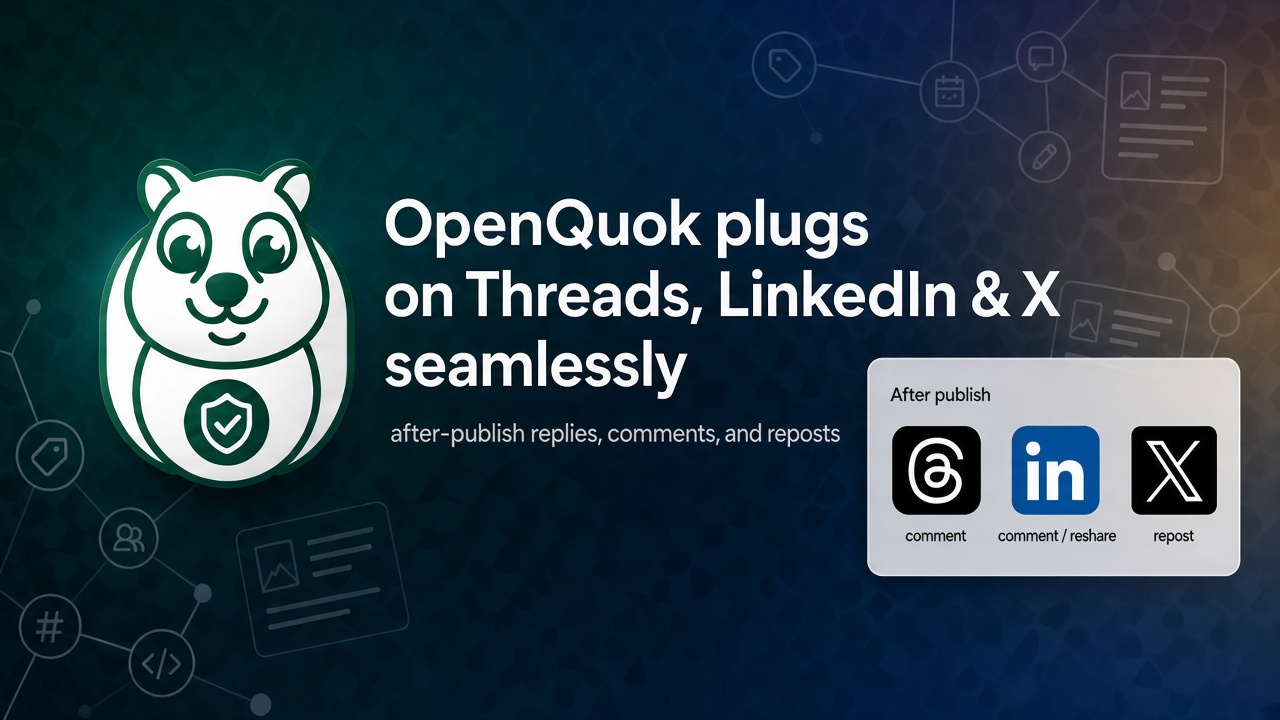
A plug runs after your post goes live. It does not change the caption you scheduled. It adds a reply, comment, repost, or reshare.
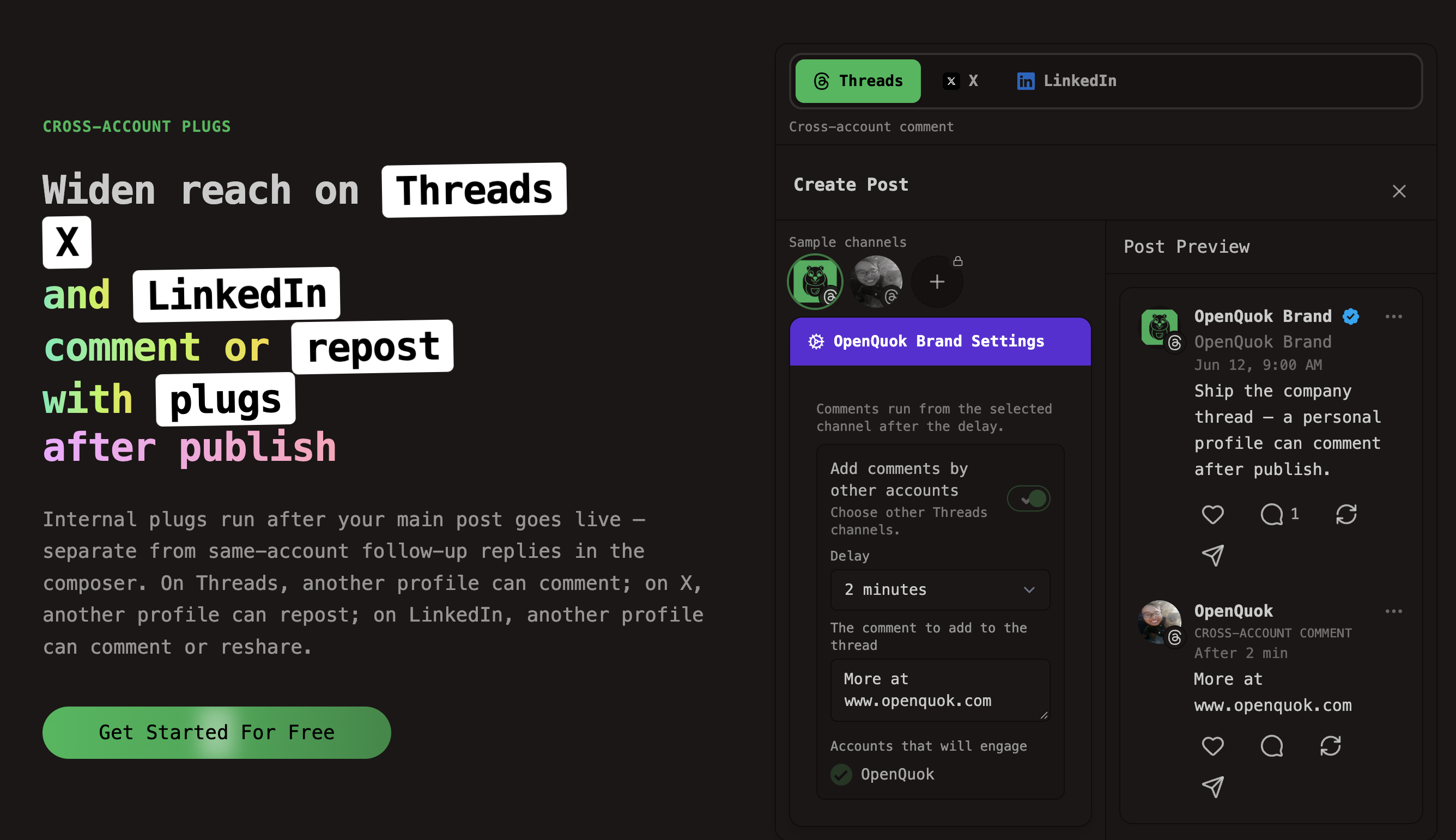
Pick the plug that matches the job. An internal plug is a same-account action on one post. A cross-account plug uses another connected channel on that network. A global plug is a channel rule at Auto Plugs when likes hit your threshold. Compare them on the plugs overview.
These walkthroughs use Threads, LinkedIn, and X. For a Threads connect-and-composer guide, see Schedule Meta Threads posts, replies, and plugs with OpenQuok.
Pick the plug for the job
Follow-up comments are not plugs. They are same-account thread or comment rows in the composer. They run right after the main post. See Threads and comments.
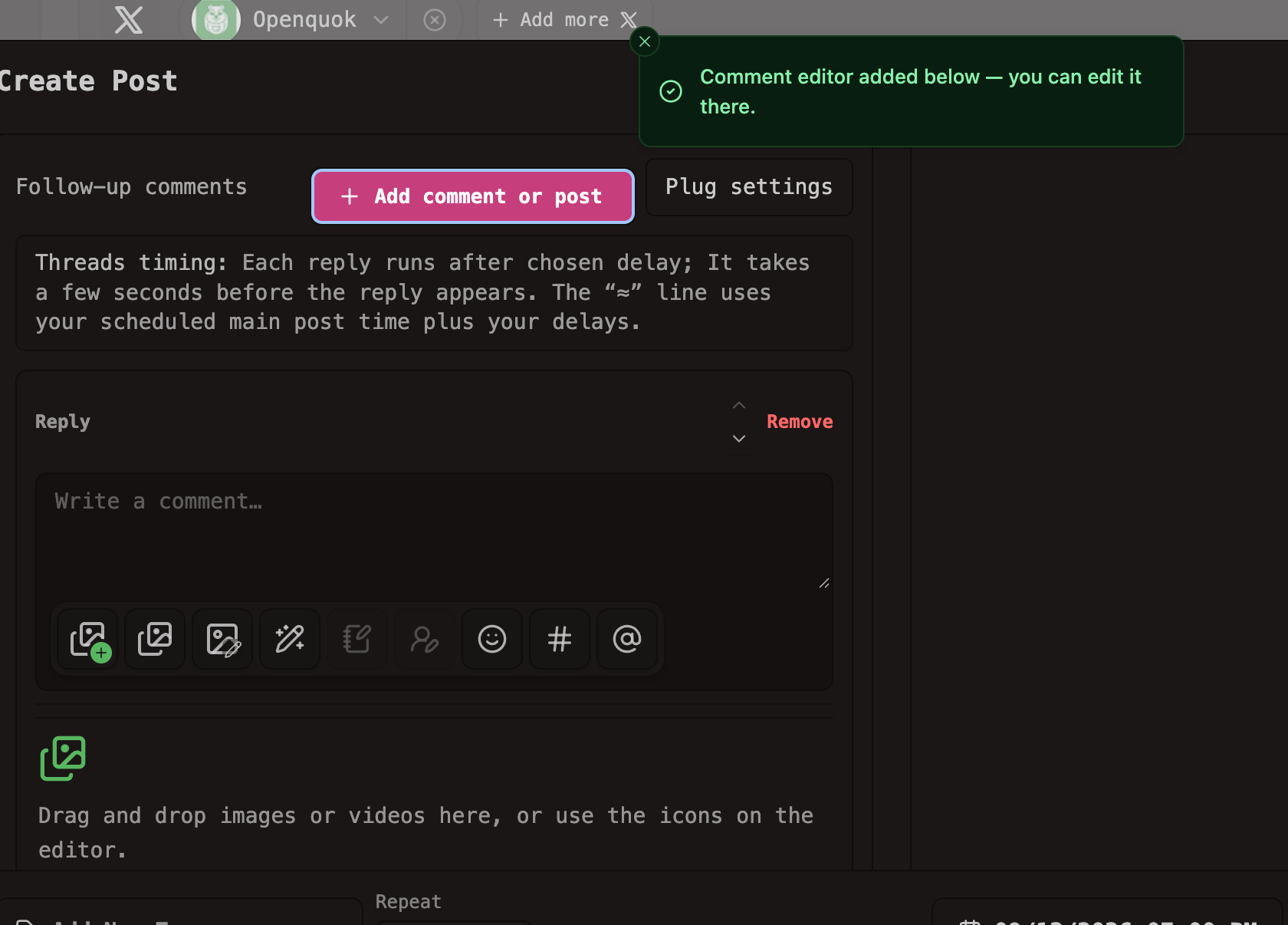
Internal and cross-account plugs wait for those rows (and the thread finisher on Threads or X). Global plugs run later on posts that already published.
Purple Settings and Plug settings both write cross-account plugs on the publishing channel. They call the same backend field. Settings also holds the Threads internal plug. Plug settings does not.
Use case: company Threads, personal comment
You run a company Threads profile and a personal Threads profile in one workspace. You want the company thread live first. Then the personal profile comments.
Connect both Threads channels. Queue the main post and Follow-up comments on the company channel.
For a same-account CTA after the thread, open Settings. Enable Delayed reply (internal plug). The default delay is 120 seconds. Do not add that CTA as another Follow-up comments row.
Enable Add comments by other accounts in Settings or Plug settings. Pick the personal profile. Enter the comment. Delay defaults to 2 minutes. The publisher cannot act on itself.
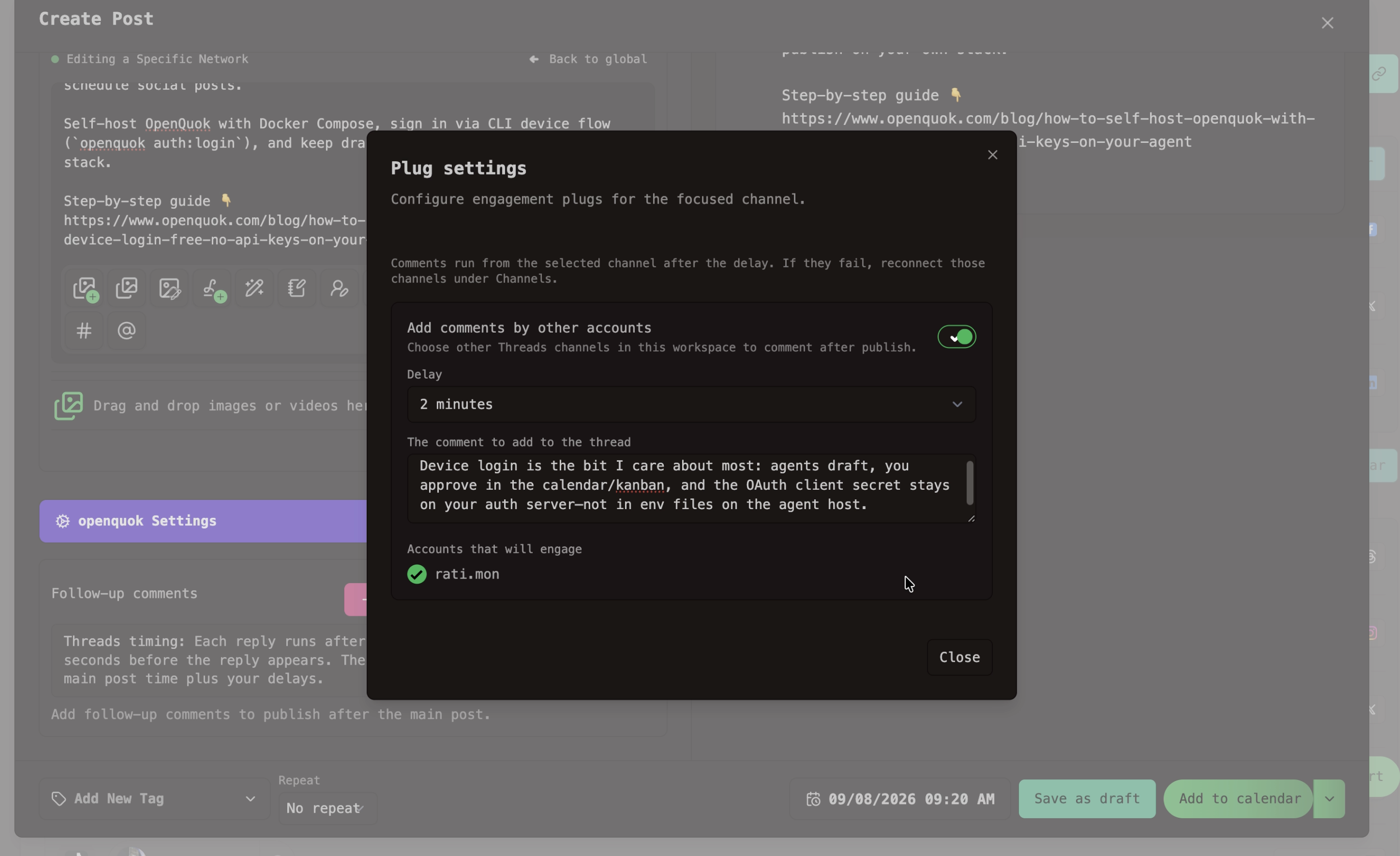
OpenQuok publishes the company thread first. Then it posts the personal comment. Full composer steps: Schedule Meta Threads posts, replies, and plugs.
Use case: LinkedIn Page update, exec comment or reshare
You publish from a company Page. A founder profile in the same workspace should comment or reshare after go-live.
Connect the Page and the personal LinkedIn channel. Write the Page post. Add text-only Follow-up comments if you need same-account comments.
Open Settings on the Page channel. Enable Add comments by a different account or Add re-posters.
Pick the founder profile. Set comment text (for a comment) and delay.
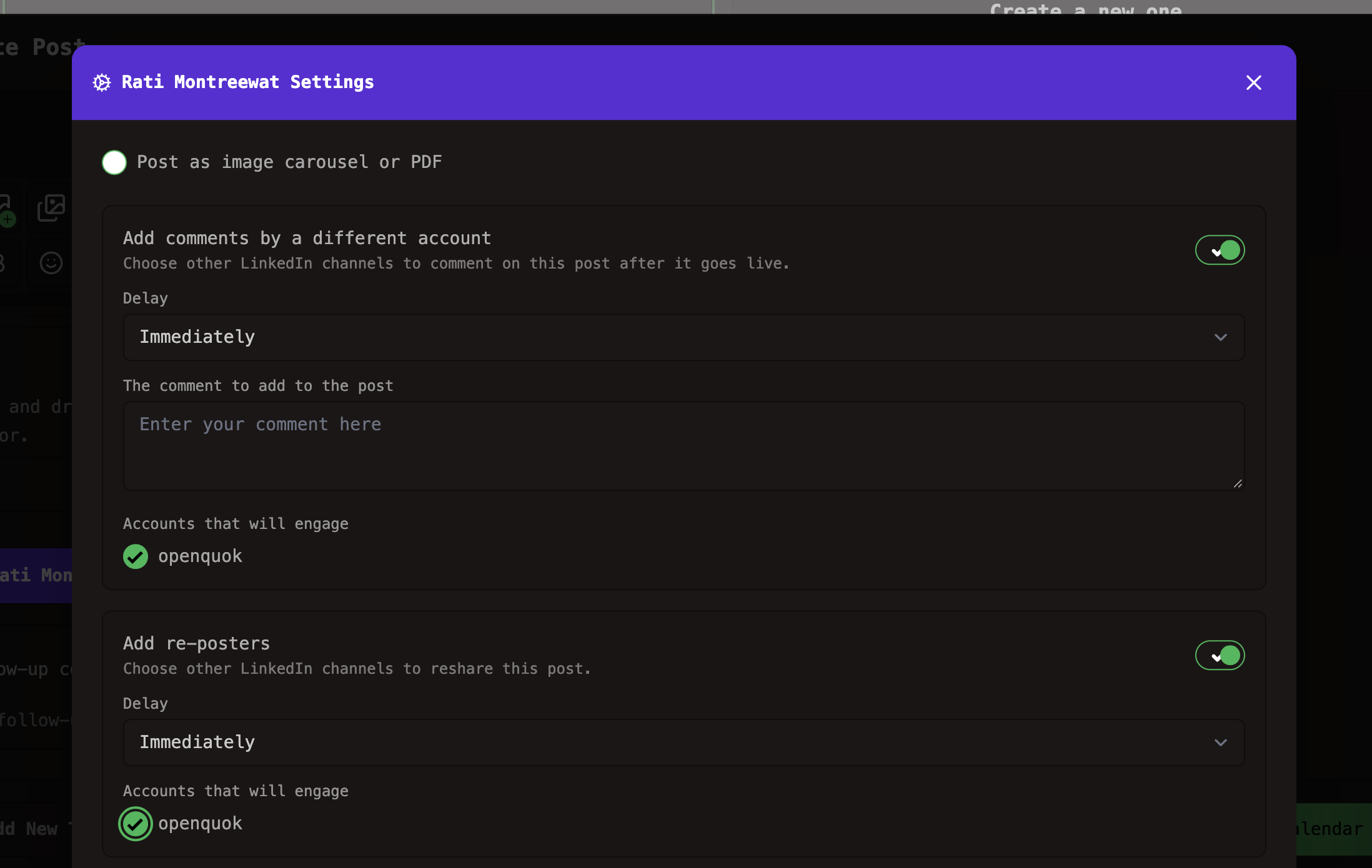
Personal LinkedIn has no global likes-threshold rule. If you want auto-repost after likes, use the LinkedIn Page on Account → Auto Plugs.
Use case: X launch tweet, another profile reposts
You schedule a launch tweet from the brand account. A second connected X profile should amplify it.
Connect both X channels. Write the tweet. Add same-account thread replies in Follow-up comments if you need a thread.
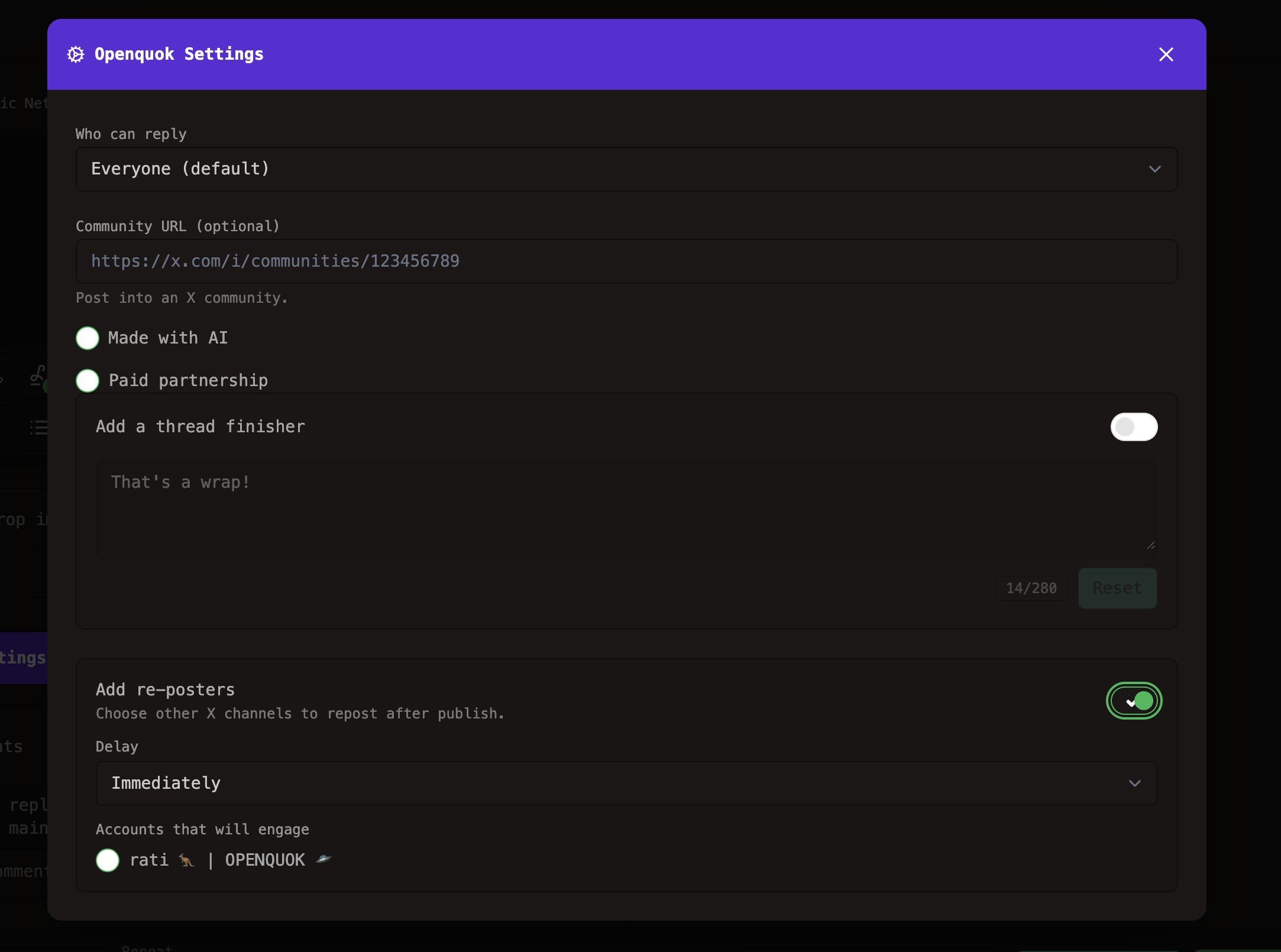
Open Settings on the publishing account. Enable Add re-posters. Pick the other X profile. Set a delay.
On X, a cross-account plug reposts the root tweet. It does not post a reply from another account. Use Follow-up comments for quote-less replies from the publisher.
Use case: promo reply after likes
You want a CTA only after the post proves it resonates. That is a global plug, not a setting on one draft.
Go to Account → Auto Plugs. Pick X, LinkedIn Page, or Threads.
Turn on Auto plug post. Enter the likes amount. Enter the reply or Page comment text.
On X and LinkedIn Page you can also turn on Auto repost posts. Threads supports auto plug post only. There is no Threads auto-repost.
The worker checks every 6 hours, up to three times. New rules apply to posts published after you save. They do not change posts that are already live.
Order of operations
Publish the main post on each selected channel.
Run Follow-up comments and the thread finisher when you enabled them.
Run the internal plug (Threads delayed engagement reply).
Run cross-account plugs (comment, repost, or reshare from other channels).
Global plugs run later when likes cross your threshold.
Follow-up comments and plug replies count as real posts. Rate limits still apply. Cross-account plugs need two connected channels on that network.
CLI and API
Per-post plugs live on the publishing channel in providerSettingsByIntegrationId.
Threads same-account delayed reply:
threads.internalEngagementPlugThreads other-account comment:
threads.crossAccountPlugsX other-account repost:
x.crossAccountPlugsLinkedIn comment or reshare:
linkedin.crossAccountPlugs
Recipes: Threads, X, and LinkedIn CLI examples. MCP payloads: MCP examples — X.
Global plugs use openquok plugs:catalog, plugs:list, and plugs:upsert. See CLI usage — Global plugs.
Try it
Start a trial. Connect Threads, LinkedIn, or X. Run one of the jobs above in Settings or Auto Plugs. Plan limits are on Pricing.