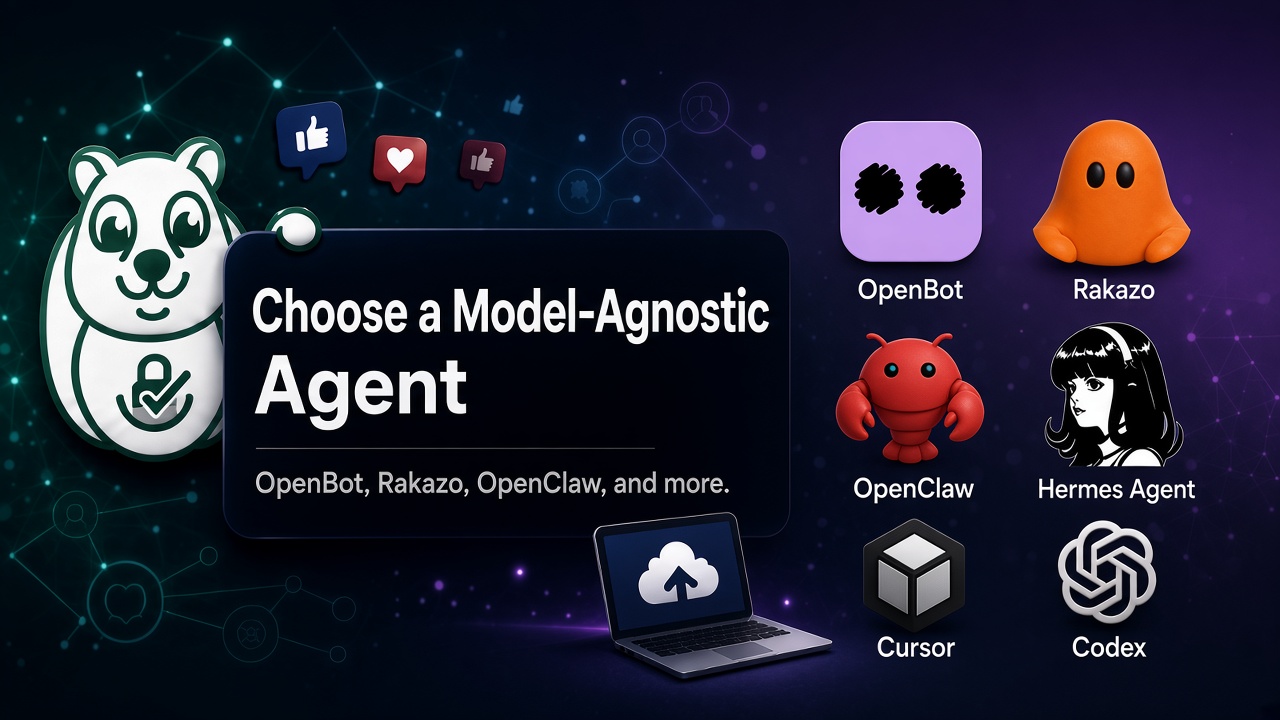
You want agents to help with social media management: briefs, drafts, media, schedules, and follow-up. You also want freedom to change AI vendors when prices, limits, or quality shift. Bring your own model and choose your own harness. Your agent works better if you choose the harness that already owns your chat history and context. OpenQuok is the second half: connected networks, calendar, kanban, plugs, analytics, and human approval.
This article is a buyer decision framework. It does not crown a single winner. It helps you match ChatGPT, Cursor, OpenClaw, Hermes Agent, OpenBot, MausBot, Tucano, and Rakazo to how you already work—only harnesses where you bring your own model or keys. For sibling reads, use pick your OpenQuok harness by ecosystem, Grok Bot alternatives for OpenQuok, and Grok Bot vs OpenClaw. The Agents hub lists every host and MCP client with setup guides.
What bring your own model means for social media management
Bring your own model (sometimes called model-agnostic) means you choose the AI vendor or plan—you are not locked into one chat app’s built-in model. You pick an agent harness: the desktop app, gateway, or editor where agents run skills and talk to your models. The harness routes prompts to Claude today and Grok tomorrow. Your skills, files, and agent memory stay with that harness—not trapped inside one vendor’s chat-only UI.
For social media management, bring-your-own-model matters for three reasons:
# | Why it matters | In practice |
|---|---|---|
1 | One plan, many jobs | Pay for Cursor, ChatGPT, or a desktop host like OpenBot once. Route each task to the model that fits—Grok for launch art or memes, Claude for tight copy or code for a custom plug. You avoid stacking extra “scheduling bot” subscriptions on every vendor chat plan. |
2 | One chat, switch models | A campaign thread can mix brief, draft, image prompt, and CLI checks. A harness that shares context lets you pick the right model per step without copy-paste into a new app or lost history. |
3 | Security and control | You choose where API keys and agent computers live—your laptop, your gateway, or your tenant. OpenQuok still holds channel OAuth in your workspace; the harness only needs CLI or MCP access to call OpenQuok. |
OpenQuok does not pick your LLM. You install openquok-core or connect MCP on the machine where commands run. See Skill Builder when you want packaged skill text instead of hand-rolling SKILL.md.
Five questions before you shortlist
Answer these in order. They remove bad fits fast.
1. Where do you want to manage social work each day?
Desktop app, phone, Telegram, WhatsApp, Slack, or inside your repository editor—pick one primary surface. Messaging-first gateways favor OpenClaw and Hermes Agent. Open-source multi-bot desktop chat favors MausBot. Channel-based agent teams with routines favor Tucano. Polished desktop multi-agent rooms favor OpenBot. In-editor tool calls favor Cursor. Codex-style coding plus chat often flows through ChatGPT MCP or a desktop host with a ChatGPT provider.
2. Who runs the computer?
Vendor cloud teammates avoid server ops but move sandboxes off your hardware. Self-hosted gateways and Rakazo put credentials and logs where you configure them. MausBot and personal OpenBot run on your Mac, Windows, or Linux box; optional always-on cloud is separate—check license and hosting notes on the MausBot guide and OpenBot guide.
3. How many agents do you need in one room?
A single scheduling agent may be enough for steady publishing. Campaigns often need QA, brand, and subject-matter agents to brainstorm before a scheduling agent queues drafts and media. MausBot, Tucano, and OpenBot emphasize many agents in parallel on desktop. OpenClaw and Hermes emphasize gateway sessions you message from phones. Rakazo emphasizes one bot per sandbox with your model keys.
4. How will the agent call OpenQuok?
CLI-first openquok-core gives structured JSON and repeatable scripts—ideal for volume, plugs, uploads, and kanban-driven review. MCP fits tool-style calls from editors or chat clients with connectors. Many teams use CLI for operations and MCP for ad hoc questions. Start from CLI getting started or MCP getting started.
5. Will a human approve every publish?
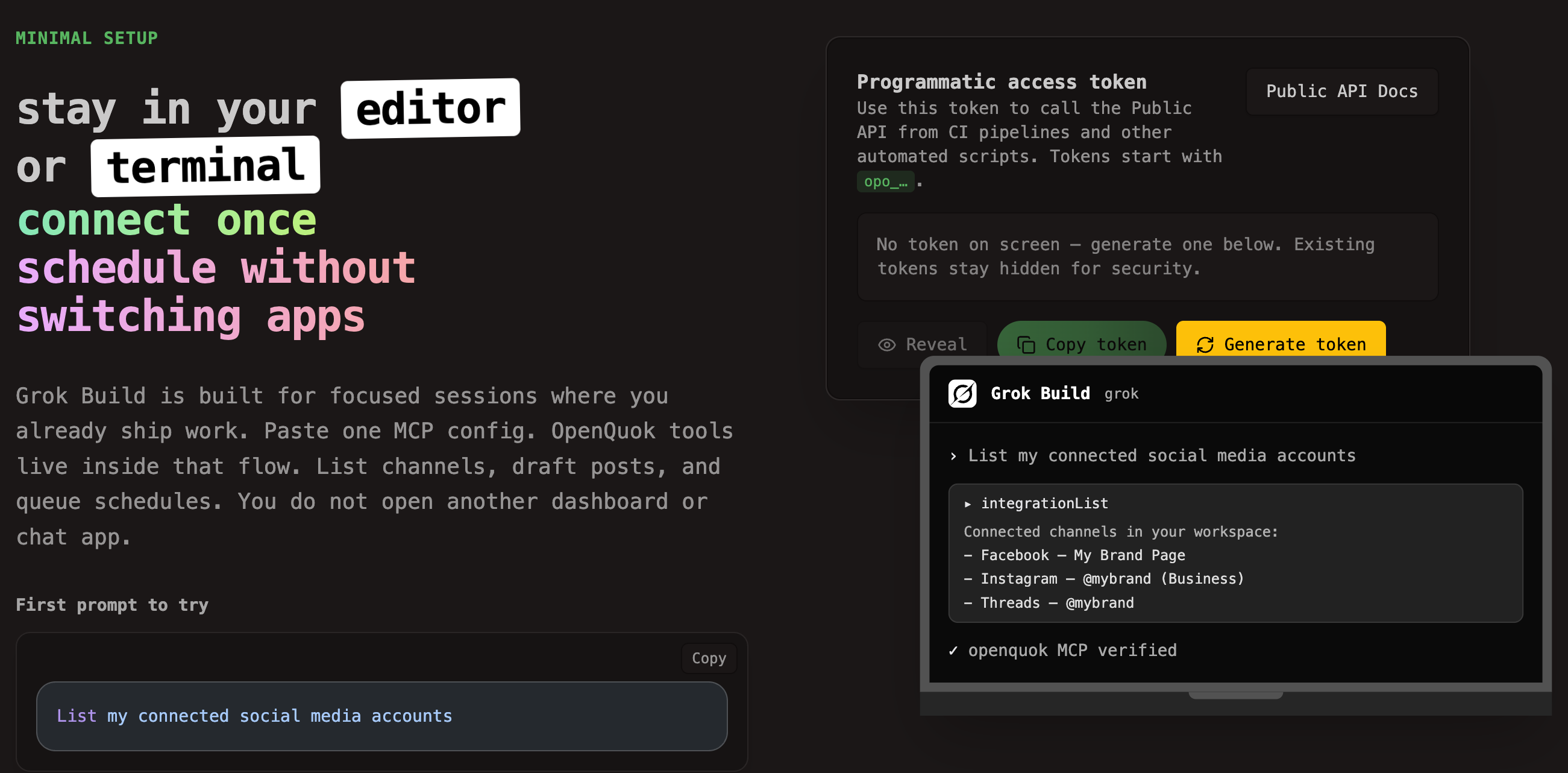
OpenQuok assumes you review drafts before they go live. Agents should default to draft status and explicit schedule commands—not silent autopilot. Wire that rule into agent instructions and use post approvals on the calendar or kanban.
Compare the harnesses in this framework
The table scores fit for OpenQuok social media management—not every feature of each product. Rows are ordered for name recognition and OpenQuok hub priority: common ChatGPT and Cursor paths first, then flagship self-hosted hosts, then newer BYO desktops, then Rakazo for tenant sandboxes. The Source & license column summarizes what OpenQuok documents on each integration page—confirm the vendor’s current terms before production or redistribution.
Harness | Bring your own model | Source & license (summary) | Typical daily UI | Where OpenQuok CLI runs | Best when |
|---|---|---|---|---|---|
ChatGPT subscription or API via connector | Proprietary — OpenAI ChatGPT / Codex terms | ChatGPT client | Cloud computer or local with CLI skill | Codex and chat already live inside ChatGPT for you | |
Editor picks model; MCP calls OpenQuok; third-party use depends on legacy Other Models vs prepaid API on Premium | Proprietary — Cursor subscription terms | IDE session | Developer machine | You tie release posts to code; legacy Pro may fit if you want included Claude/GPT in Agent | |
Bring your own models to a self-hosted Gateway | Open-source gateway — read upstream license in vendor repo | Telegram, WhatsApp, Slack, Discord | Gateway machine | You manage social from messaging apps on your own server | |
Provider keys on gateway; skills on disk | Open-source gateway — read Nous Hermes upstream license | Telegram, WhatsApp, Slack | Gateway host | You want Hermes-style routing with messaging-first UX | |
BYO subscriptions; custom OpenAI-compatible routers; local models | Source available — PolyForm Noncommercial 1.0.0 for personal use; read before commercial use | Desktop + mobile; multi-agent rooms | OpenBot computer | You want a polished desktop for teams—admins wire providers once, staff chat without VM ops | |
BYO Claude, Codex, Grok CLIs; per-bot model picker | Open source — Apache License 2.0 | Desktop + phone companion; bot list + automations | Bot computer or cloud desktop | You want open-source multi-bot desktop chat without Grok Bot’s managed cloud | |
BYO harness per agent; Claude Code, Codex, Cursor, Grok, and more | Proprietary desktop app — free tier; optional Pro/Team cloud; read vendor license | Desktop channels + routines; Telegram for approvals | Your computer or isolated Linux per agent | You want channel-based agent teams with routines and explicit approval gates | |
Your API keys on self-hosted platform | Open source — Apache License 2.0 | Web, desktop, mobile, Slack | Per-bot sandbox | You must self-host bot computers for clients or tenants |
Open source vs source-available: Apache 2.0 hosts (MausBot, Rakazo) suit teams that want to fork, audit, and self-host without a commercial desktop license. OpenClaw and Hermes are open-source gateways on the Agents hub billing FAQ—still read each project’s SPDX before you redistribute. OpenBot publishes source for audit but uses PolyForm Noncommercial for personal use, not a permissive OSS license. ChatGPT, Cursor, and Tucano are proprietary clients—you bring models, but you do not own the harness code. OpenQuok itself is open source separately from these agent products.
MausBot: open-source multi-bot desktop
MausBot fits operators who want a free Apache-licensed desktop app that feels like a messaging client for many bots. Each bot picks an agent engine and model. You connect Claude Code, Codex, or Grok with subscriptions you already pay for. Optional cloud plans keep bots awake when your laptop sleeps.
Social workflows pair well with SEO or launch bots in parallel: specialists finish briefs; a scheduling bot with openquok-core queues drafts. Use the skill recorder after a good openquok run to reuse the recipe. Read MausBot setup and the MausBot integration page. For managed xAI teammates, compare Grok Bot first.
Tucano: channel-based agent teams
Tucano fits operators who organize work in channels and want each agent on its own harness. You sign in to Claude Code, Codex, Cursor, Gemini, Grok, OpenCode, or Pi once. Tuca can propose specialists; you edit tools and limits before they run. Routines keep weekday social drafting on a calendar while sensitive actions wait for your yes.
Pair a brand or launch agent in one channel with a scheduling agent that runs openquok-core on your computer or an isolated Linux box. Optional Tucano Pro keeps the team in the cloud when your laptop sleeps. The desktop app is proprietary with a free tier—unlike Apache-licensed MausBot. Read Tucano setup and the Tucano integration page for current license and cloud terms.
OpenBot: desktop team, BYO AI
OpenBot targets operators who want a capable macOS-first client and mobile companions for ongoing social operations. Agent settings show memory, skills, files, and tables in one overview. You connect ChatGPT, Claude, Grok, Gemini, or custom OpenAI-compatible endpoints—including routers some teams use for failover.
OpenBot stands out for everyday usability, especially inside organizations. An admin can connect provider subscriptions or API keys in agent settings once; social and marketing staff only open chat and work—they do not live in key consoles or sandbox dashboards. That split is simpler than asking every editor to manage their own Rakazo VM and keys.
Other reasons teams shortlist OpenBot before another self-hosted stack:
Rakazo → OpenBot moves — bringing an agent definition over from Rakazo is straightforward in practice, so you are not rebuilding specialists from scratch when you want a friendlier desktop.
License clarity — personal noncommercial use is free under PolyForm Noncommercial 1.0.0; source is available to audit on your machine. Read the license before commercial rollout on OpenBot integration.
Mobile path — mobile clients already pair with the desktop host; as native apps mature, some teams plan to retire a dedicated Rakazo sandbox VM and keep one laptop—or phone—tethered host instead.
Faster OpenQuok wiring — install
openquok-coreon the OpenBot computer, authenticate once, and message agents; no per-bot VM provisioning for a first social scheduling workflow.
Multi-agent rooms fit campaigns and launches: specialists align in a shared channel; then a scheduling agent with openquok-core queues drafts and media. Native app connectors are still growing; when a suite is missing, you add a skill or MCP bridge—the same OpenQuok workspace still holds channels and review. Read the full wiring on OpenBot setup and the OpenBot integration page. For network-specific playbooks, open a channel page—e.g. OpenBot + Facebook or OpenBot + LinkedIn.
Compare MausBot, Tucano, and OpenBot on the desktop
All three let you bring subscriptions you already pay for and assign different models or harnesses per agent. The UX differs. MausBot feels like a bot list and automations in an open-source messenger. Tucano feels like Slack-style channels, routines, and optional Telegram approvals. OpenBot feels like polished agent settings, multi-agent rooms, and strong macOS-first UX—best when admins configure providers and end users only chat. If you only need one scheduling bot, any of the three works. If you run parallel specialists, MausBot and Tucano emphasize many named agents; OpenBot emphasizes rooms and publish settings. Smoke a channel URL before you commit—Tucano + X and MausBot + YouTube reuse the same OpenQuok workspace rules as the parent host page.
Rakazo: self-hosted sandboxes and your keys
Rakazo fits when “model-agnostic” must include “keys never leave infrastructure I administer.” The platform is Apache 2.0 open source—self-host Docker sandboxes and audit the stack. Each bot gets an isolated computer; you install skills and CLI there. You trade polish for control. When staff need a simpler daily UI—or you want to drop always-on sandbox VMs—compare OpenBot for admin-managed keys and desktop chat. Against OpenClaw when you need Telegram-first gateways instead of bot sandboxes. Start at Rakazo setup.
OpenClaw and Hermes: gateways and messaging UI
OpenClaw and Hermes Agent are self-hosted, open-source gateways (see the Agents hub billing FAQ). You message from phones; the gateway runs models and skills on hardware you choose. Both fit teams that manage social from WhatsApp or Telegram daily. OpenClaw emphasizes ClawHub skills and broad channel adapters; Hermes emphasizes its gateway stack and skill layout. Read each vendor’s repository license before you fork or ship to clients.
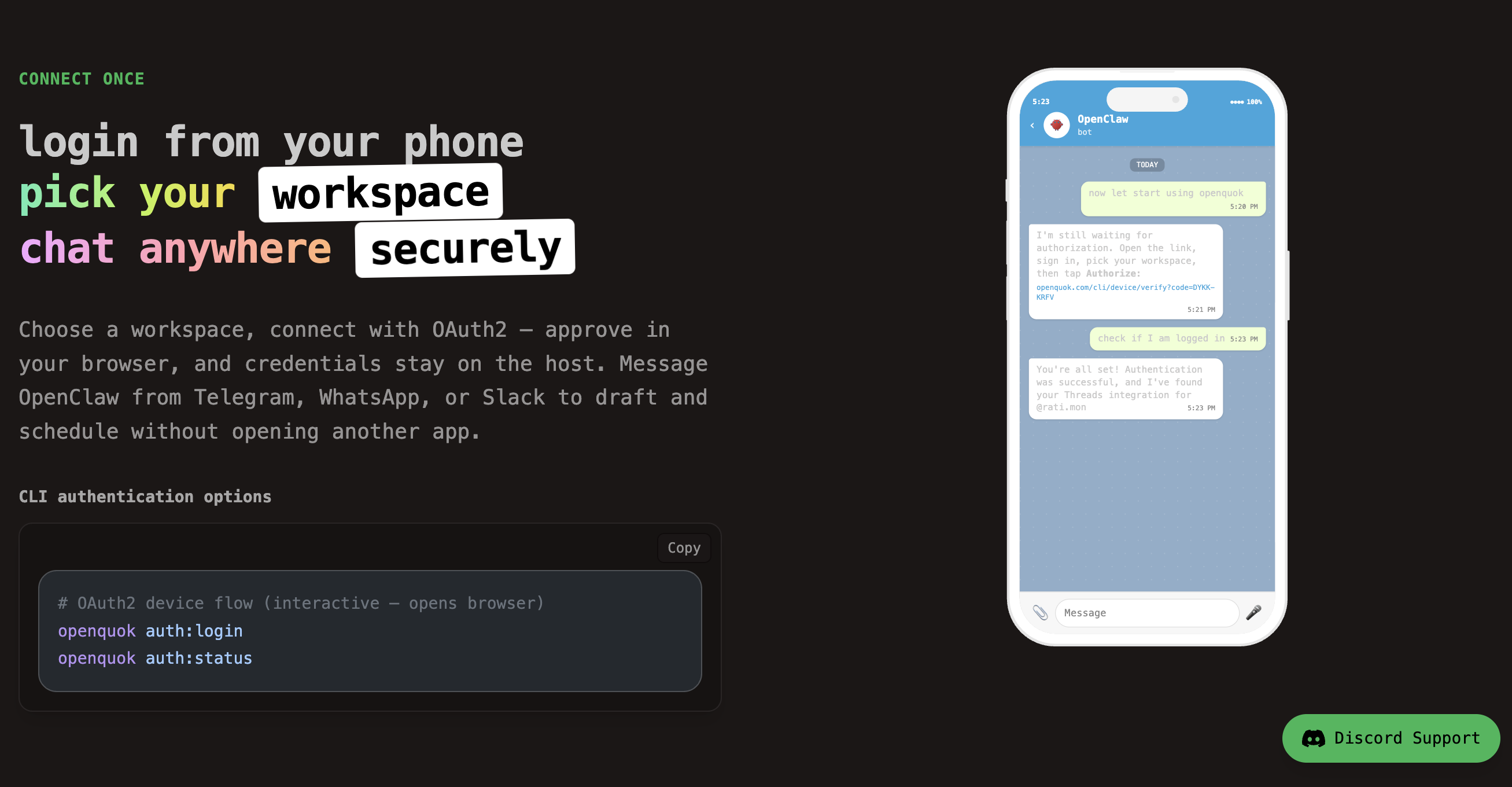
Follow OpenClaw setup and Hermes setup. For cloud versus gateway framing, read Grok Bot vs OpenClaw, then return here for model-agnostic detail.
Cursor: model-agnostic inside the repo—if your plan still allows it
Cursor is an MCP client, not a 24/7 messaging gateway. Your editor session may use Claude, GPT, Gemini, or Cursor’s own models. OpenQuok connects as MCP tools or via the CLI beside your code. This path shines when social work is tied to releases—changelog threads, Dev.to posts, launch copy beside a merge—not when marketers never open the repository.
Cursor billing changed how “model-agnostic” feels in the editor. New customers start on The X Subscription (for example Premium at $30/mo). That plan gives you a weekly pool for Cursor models. Third-party models are not in that pool. When you pick Claude, GPT, or Gemini in Agent, you pay API list price from prepaid credit. That is still model-agnostic at the technical level—you choose the vendor per task—but it is no longer “included subscription” model-agnostic for third parties.
Legacy Cursor plans (Pro, Pro+, Ultra, and Teams Standard or Premium) split usage into two monthly pools: Cursor Models and Other Models. Pro and above include third-party usage in Other Models. Many teams on legacy Pro ($20/mo) keep routing Agent to Claude or GPT without a separate API prepay line. If you schedule with OpenQuok MCP and you want cheap third-party routing inside Cursor, staying on legacy can matter. Switching to The X Subscription is optional—and permanent once you unify. Compare plan details on the Cursor integration and Cursor MCP setup before you move.
OpenQuok does not depend on which side you pick. You still add openquok in .cursor/mcp.json, verify integrations, and approve on the calendar or kanban. If Cursor’s third-party economics push you away from the editor, MausBot, Tucano, OpenBot, and Rakazo stay on the model-agnostic host side with BYO keys you control outside Cursor pools.
Codex-style flows through ChatGPT
“Codex” in buyer conversations often means OpenAI’s coding agent inside a paid ChatGPT plan—not a separate OpenQuok host page. You stay model-agnostic at the OpenQuok layer: ChatGPT carries the subscription; OpenQuok carries channels and operations. Connect via ChatGPT custom connector MCP or run CLI on a cloud computer attached to your ChatGPT workflow.
If ChatGPT is your only daily AI surface, start with ChatGPT MCP setup. If you also run OpenBot with a ChatGPT provider, you may use desktop rooms for campaigns and ChatGPT for ad hoc tasks—both can target the same OpenQuok workspace.
Per-channel landings on OpenQuok
Examples: OpenBot + Facebook, MausBot + Instagram, Tucano + LinkedIn, and OpenClaw + Threads. Pick a channel page when your team cares about one network first; the parent host page stays the overview.
How OpenQuok stays constant across harnesses
Regardless of harness, you connect social accounts once per workspace. Agents call the same integrations list, post commands, upload helpers, plugs, and analytics queries. Human approval stays on OpenQuok—not inside the LLM transcript. That separation is the point of model-agnostic management: swap harnesses or models without re-authenticating every network.
Operational checklist:
One OAuth or device login per MausBot bot computer, Tucano agent computer, OpenBot machine, gateway, or sandbox.
Store programmatic tokens only on that machine—not in shared chat logs.
Default agent recipes to draft status; require explicit schedule or approval notes.
Use supported channels when you add a new network mid-quarter.
Decision paths by constraint
You must self-host and message from Telegram
Shortlist OpenClaw or Hermes. Install openquok-core on the gateway host. Skip Cursor unless developers also need in-repo MCP.
You want failover across Claude, ChatGPT, and Grok subscriptions
Shortlist MausBot, Tucano, or OpenBot. Map each subscription to agents or harnesses; use a scheduling agent with stable OpenQuok instructions. Confirm license terms for commercial use before production. Use channel pages—e.g. OpenBot + Threads—for network-specific CLI examples.
You run bots as isolated tenants for clients
Shortlist Rakazo sandboxes or multiple OpenClaw gateways per environment. Give each client workspace separate OpenQuok organizations when billing requires isolation.
You already live in Cursor for product work
Wire MCP first for quick wins with Cursor MCP setup. Confirm whether you still have legacy Other Models or you are on Premium with prepaid third-party usage. If third-party routing gets costly, add MausBot, Tucano, or OpenBot for marketing-heavy drafting while you keep Cursor for repo-tied posts. Add a gateway host later if non-developers must schedule without the IDE.
You are standardizing on one vendor ecosystem
Read pick your harness by ecosystem before you debate model-agnostic minutiae—sometimes the right answer is the agent that matches your existing invoice.
After you pick: connect OpenQuok once
Install @openquok/auto-cli on the execution environment. Add openquok-core through the host’s skill flow or Skill Builder. Authenticate with device login or a rotated programmatic token from Developers → Access. Run openquok integrations:list before your first campaign.
When you compare Grok-only clouds against this list, read Grok Bot alternatives—it covers managed teammates that are not model-agnostic in the same way as BYO hosts.
Verify from chat
After setup, ask your scheduling agent:
List my connected social accounts and create a draft LinkedIn post about our launch. Do not schedule until I approve on OpenQuok.
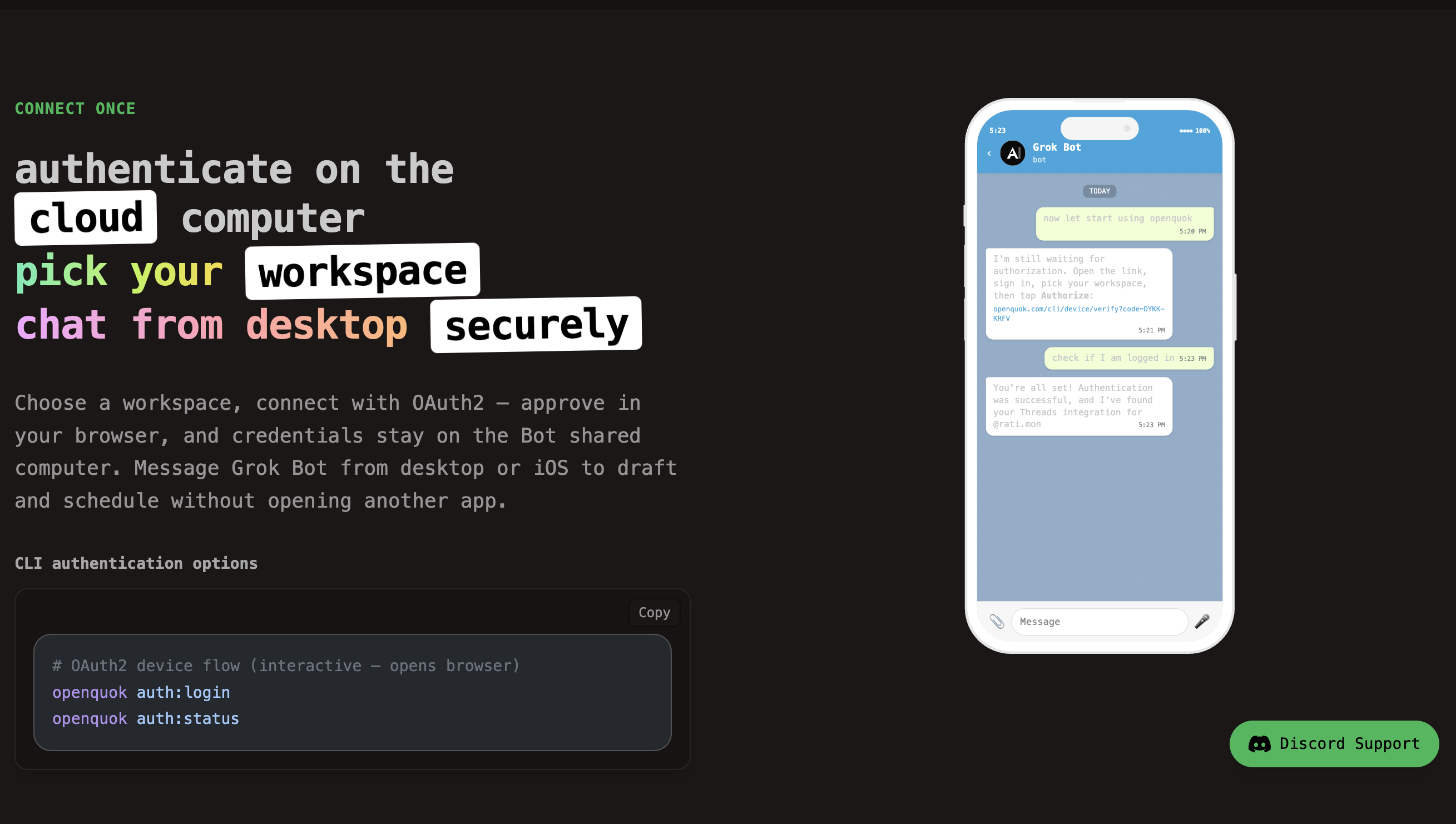
Confirm the draft appears in your OpenQuok kanban or calendar before you promote the workflow to your team. New workspaces can start on Pricing with a trial; harness software and LLM subscriptions remain separate bills.