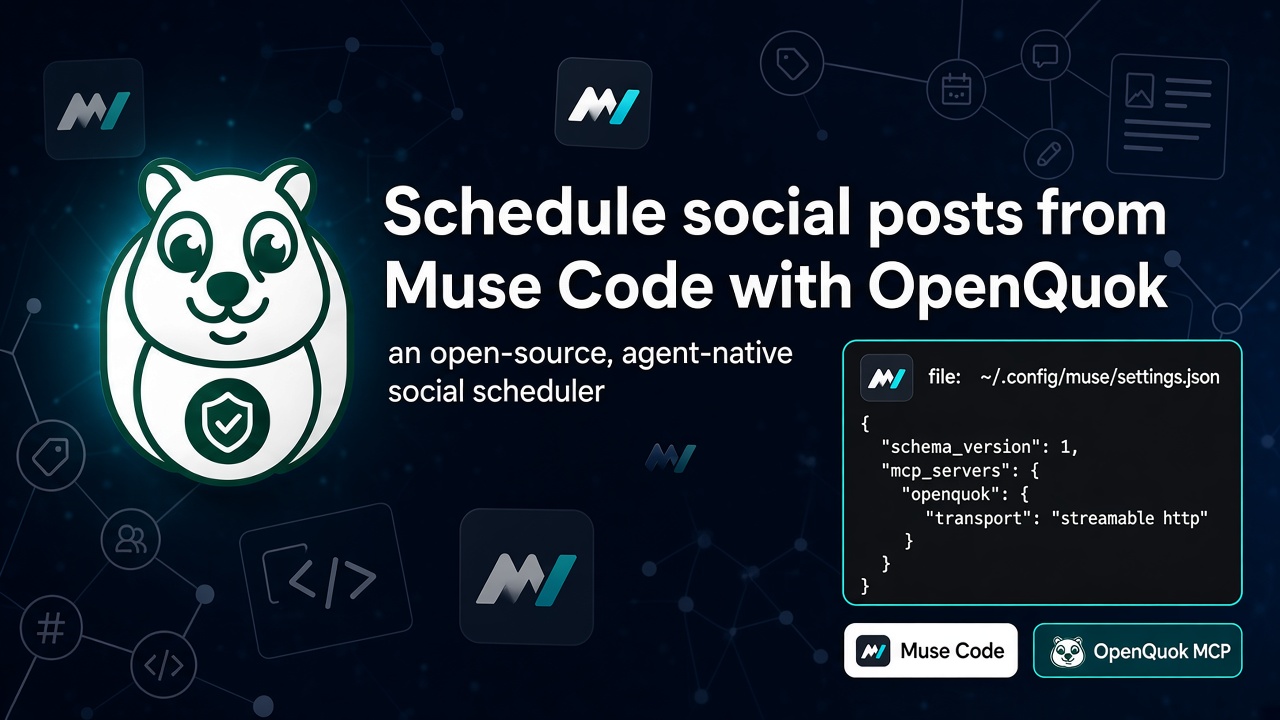
OpenQuok now connects to Muse Code over MCP. Run Meta's terminal coding agent in a trusted repo. Ask it to list channels, draft captions, and queue posts. You review and approve on the OpenQuok calendar or kanban. Nothing goes live on autopilot.
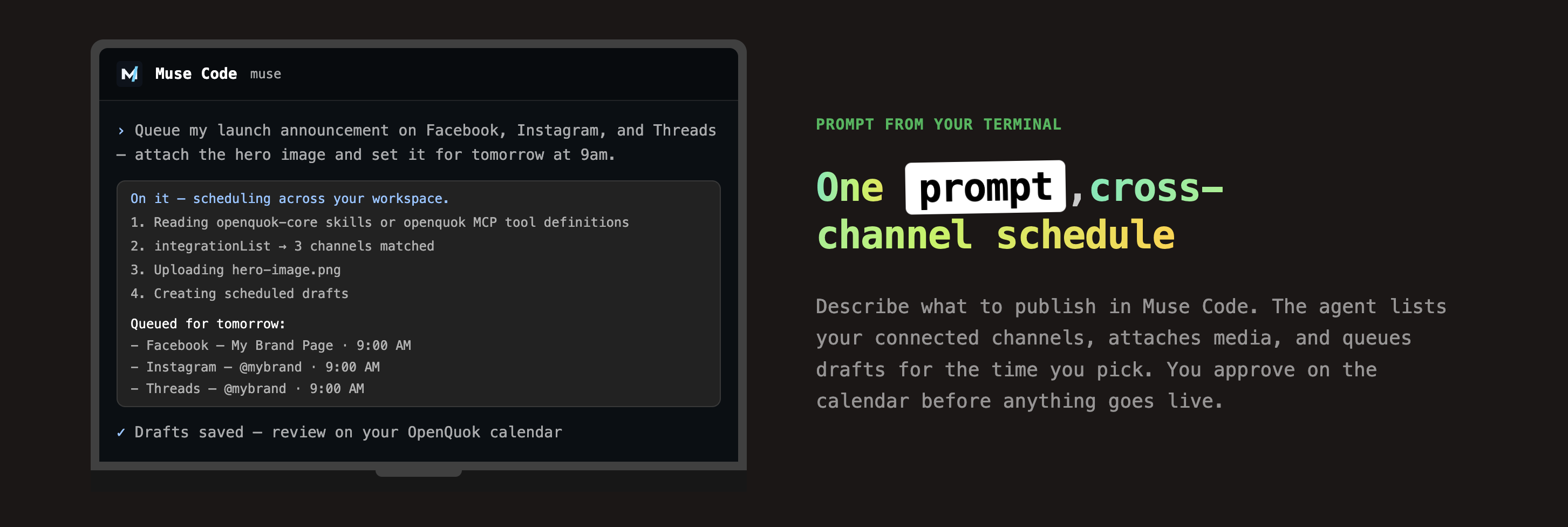
Usecases: Muse Code + OpenQuok. Setup: Muse Code MCP setup. Token and snippet: MCP client setup.
Muse Code is not Meta Muse
Muse Code is Meta's developer terminal agent. You run muse in a project directory and add MCP servers in ~/.config/muse/settings.json.
Meta Muse is Meta's consumer personal agent on mobile, web, and messaging. It builds custom connectors from a public OpenAPI document. It does not use this MCP file.
If you use consumer Muse, follow Schedule Social Posts from Meta Muse with OpenQuok and the Meta Muse setup guide. This post is for Muse Code only.
Why Muse Code fits social scheduling
Most terminal agents stop at code edits. Muse Code is built for longer jobs. It keeps context, calls tools, and finishes a sequence. That matches social work: list integrations, check limits, attach media, save drafts.
Muse Code runs on Muse Spark, Meta's coding model family. The latest generation is Muse Spark 1.3. It is tuned for agentic work across large repos — planning, edits, validation, and parallel subagents. For social posts, one session can cover multiple channels without copy-paste into five apps.
OpenQuok adds the human gate. The agent can draft and queue. You publish.
Why OpenQuok when Meta Business Suite can schedule?
Meta Business Suite is strong for Meta-owned surfaces. You can schedule Facebook Page posts and Instagram content in one Meta tool. If you only publish to Meta and you always work inside Meta's UI, Business Suite may be enough.
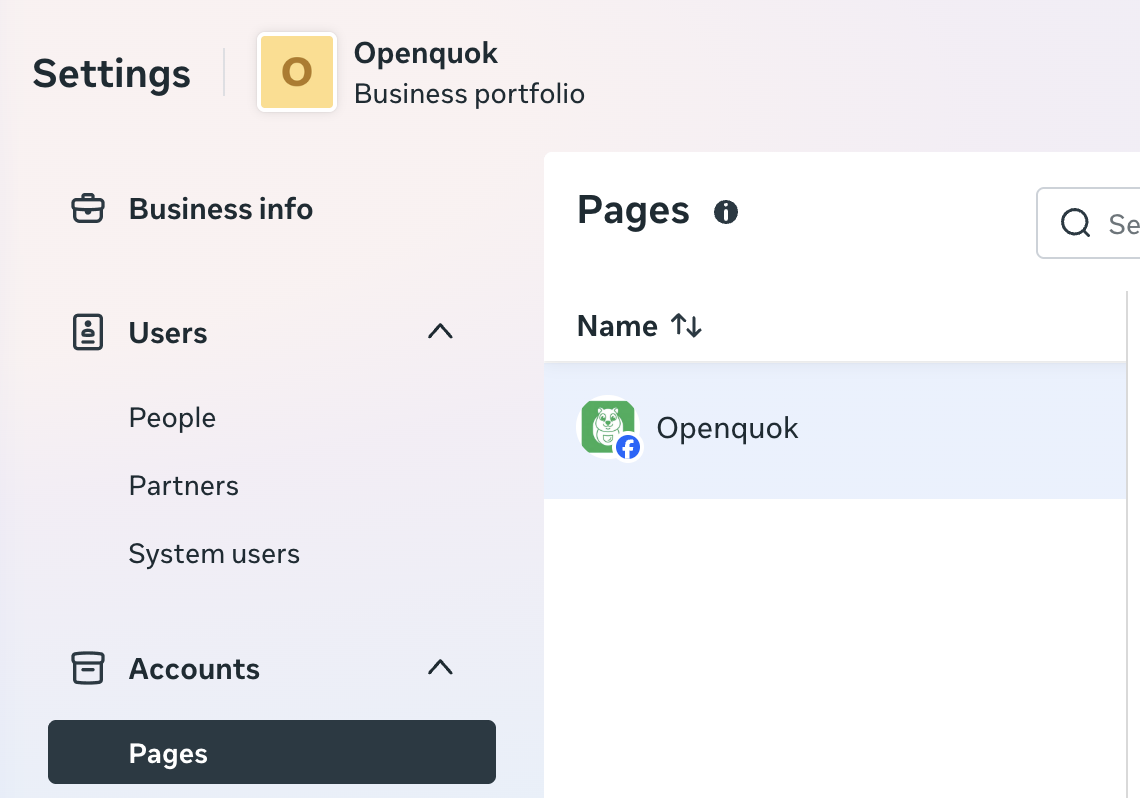
OpenQuok fits a different job: one approval workflow across every channel you connect, with agents and APIs in the loop.
One workspace, not one vendor
Business Suite stays inside Meta. OpenQuok connects Facebook Page, Instagram, Threads, and also LinkedIn, X, TikTok, YouTube, and other channels in the same workspace. You write once. You tailor per network. You approve once on the calendar or kanban. You do not split the same launch across Meta Suite, LinkedIn, and X by hand.
For Facebook Page feed, Reels, Stories, and follow-up comments, OpenQuok uses Meta's Graph API with the same human gate. See Facebook Page scheduling with OpenQuok.
Agents draft. You publish.
Business Suite expects you to click through composer screens. Muse Code + OpenQuok MCP lets you describe the post in the terminal. The agent calls integrationList, schedulePostTool, and related tools. You still review every draft before it goes live. That matches how teams already ship code from Muse Code — social becomes another tool call, not another tab.
API, CLI, and MCP for the rest of the stack
Business Suite does not expose your schedule to your repo, CI, or custom agents. OpenQuok adds a public API, CLI, and MCP on the same workspace token. Marketing can use the dashboard. Engineering can wire the same channels into Muse Code, Cursor, or your own app.
When to use both
Many teams keep Business Suite for Meta-native reporting or ad-linked workflows. They use OpenQuok when they need cross-channel drafts, agent-driven queues, or one place to approve before anything publishes. Connect Meta channels in OpenQuok with Connect channel — on OpenQuok Cloud you do not register a Meta developer app yourself.
MCP in Muse Code, not a skill zip
Muse Code is an MCP client. You declare remote servers in ~/.config/muse/settings.json. OpenQuok uses streamable_http on /mcp. You do not install openquok-core for this path.
That differs from agent hosts such as OpenClaw, Hermes, Meta Muse, or ThinkRail, which use a custom connector, the CLI skill, or both. Many teams pair Muse Code with an editor client such as Cursor on the same workspace. See all agent and MCP integrations.
What you need
Muse Code installed and authenticated (
musein a trusted project directory).An OpenQuok workspace with at least one channel connected. On OpenQuok Cloud, use Connect channel in the app.
A programmatic token (
opo_…) from Developers → Access.
Connect OpenQuok MCP
Generate a workspace token
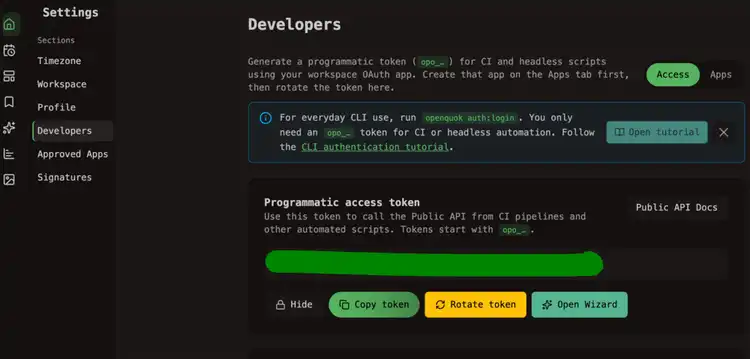
In OpenQuok, open Account → Settings → Developers → Access. Create an OAuth app if prompted. Generate an opo_… token.
Add the server to Muse settings
Edit ~/.config/muse/settings.json. Set schema_version to 1. Add openquok under mcp_servers with streamable_http transport.
Authorization header (recommended):
{
  "schema_version": 1,
  "mcp_servers": {
    "openquok": {
      "transport": "streamable_http",
      "url": "https://api.openquok.com/mcp",
      "headers": {
        "Authorization": "Bearer opo_your_programmatic_token"
      },
      "mode": "optional"
    }
  }
}
Or put the token in the URL:
{
  "schema_version": 1,
  "mcp_servers": {
    "openquok": {
      "transport": "streamable_http",
      "url": "https://api.openquok.com/mcp/opo_your_programmatic_token",
      "mode": "optional"
    }
  }
}
Select Muse Code on Developers → Access to copy a filled snippet. Full walkthrough: Muse Code MCP setup.
Restart and verify
Start a fresh Muse Code session. Ask:
List my connected social media accounts
Muse Code should call integrationList and return channel names and IDs. Tool reference: MCP tools.
Draft and schedule from the same session
Ask Muse Code to call OpenQuok tools instead of moving captions into other apps. Workflows: MCP examples.
One draft per network
Rewrite this launch note for LinkedIn, X, and Facebook. Stay under each platform limit. Save each version as a draft in OpenQuok for tomorrow 10am in my workspace timezone. Do not publish.
For Facebook Page feed posts, Reels, Stories, and follow-up comments, see Schedule Facebook Page posts, Reels, Stories, and comments with OpenQuok.
If copy still sounds machine-written, use the Humanizer. For a first time slot, try Best Time to Post.
Save as draft. You publish.
Tell Muse Code to save a draft unless you already checked the copy in chat. Open the calendar or kanban. Edit if needed. Then approve.
Muse Spark 1.3 and Muse Code
Muse Spark 1.3 is the newest Muse Spark generation for agentic coding. Muse Code is the harness: terminal UI, approvals, sandbox, subagents, and MCP. OpenQuok supplies the social tools. Your tier may show a specific build string on your account; connector steps stay the same.
Prompts that work
Schedule a post to LinkedIn for Friday at 2pm UTC: Shipping a small update on what we learned this week. Save as draft.
Queue my launch announcement on Facebook, Instagram, and Threads — attach the hero image and set it for tomorrow at 9am. Save as drafts only.
What performed best on my channels over the last 7 days? Then draft a follow-up for my top channel next Tuesday 9am workspace time.
Also using Meta Muse, ThinkRail, Claude Code, or ChatGPT?
The same workspace works with Meta Muse, ChatGPT, Claude Code, Codex, and Warp. For the consumer Muse app, see Schedule Social Posts from Meta Muse with OpenQuok. For git worktrees and the skill path, see Schedule Social Posts from ThinkRail with OpenQuok. Plan limits: Pricing.