Overview - Insights
See workspace analytics and stats for each post in OpenQuok.
Connect your agent today
Draft from chat, review in your calendar, and publish only what you approve.
Overview
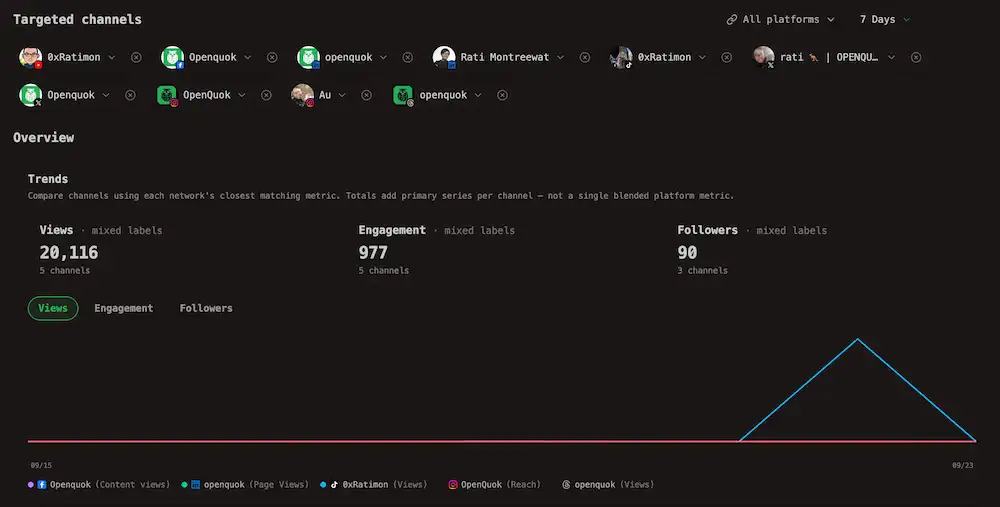
See how channels perform over time in Analytics, then open one post for its own numbers.
OpenQuok reads metrics from each network when that channel type supports them. You can publish to many platforms. However, only some also send account-level data back.
Those channels appear under Targeted channels on the Analytics page. The full list is in Platforms → Analytics.
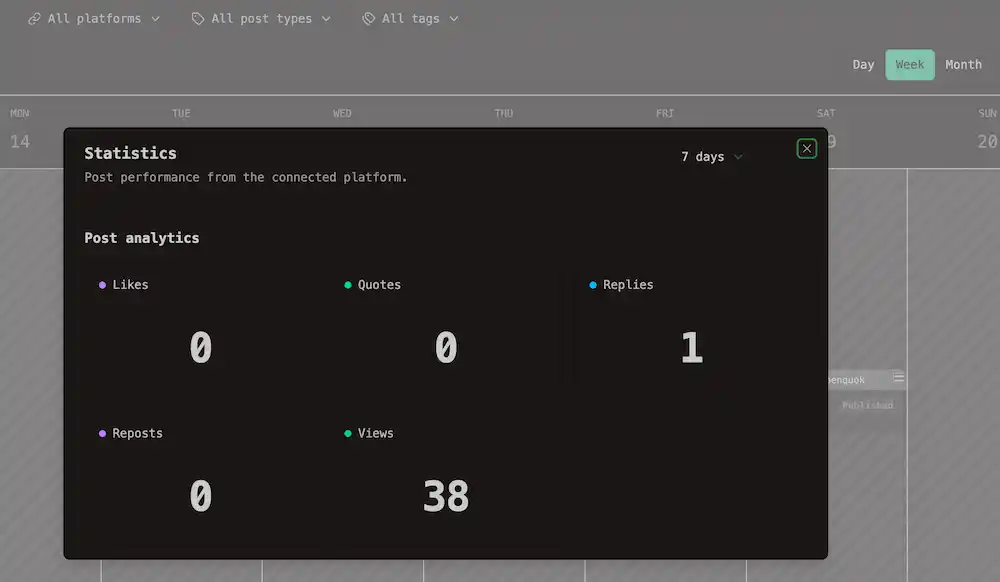
Per-post figures are not on that page. Open a published post from My Dashboard or the calendar, open Post actions, and choose Statistics. See Actions and stats for the menu path.
Account analytics vs per-post statistics
| Question | Use this |
|---|---|
| How did my Facebook Page or X account do this month? | Workspace analytics — Analytics in the account sidebar, Social tab |
| How is my product website’s domain rating trending? | Directory analytics — same Analytics page, Directory tab (paid plans) |
| How did one published post do? | Per-post metrics — Statistics on the post |
Note
Networks choose which metrics they expose. OpenQuok shows only what the API returns for your account type and connection.
Date ranges
Workspace Analytics, the Statistics dialog, the public Analytics API, MCP tools, and CLI analytics commands use the same lookback choices: 7, 30, and sometimes 90 days.
Not every channel supports every window. When you target several channels at once, the menu shows only ranges that work for all of them. Details are in Platforms → Analytics → Date range windows.