Browse and bookmarks
Browse the catalog, filter with the hub sidebar, bookmark, and open the detail pages.
Connect your agent today
Draft from chat, review in your calendar, and publish only what you approve.
Libs → Browse
Search community playbooks and building blocks, narrow results, and save the ones you want to install later.
On Account → Saved, open the Libs tab and choose Browse.
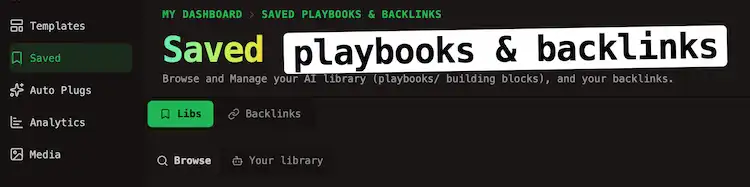
The catalog loads from the public hubs.
Layout
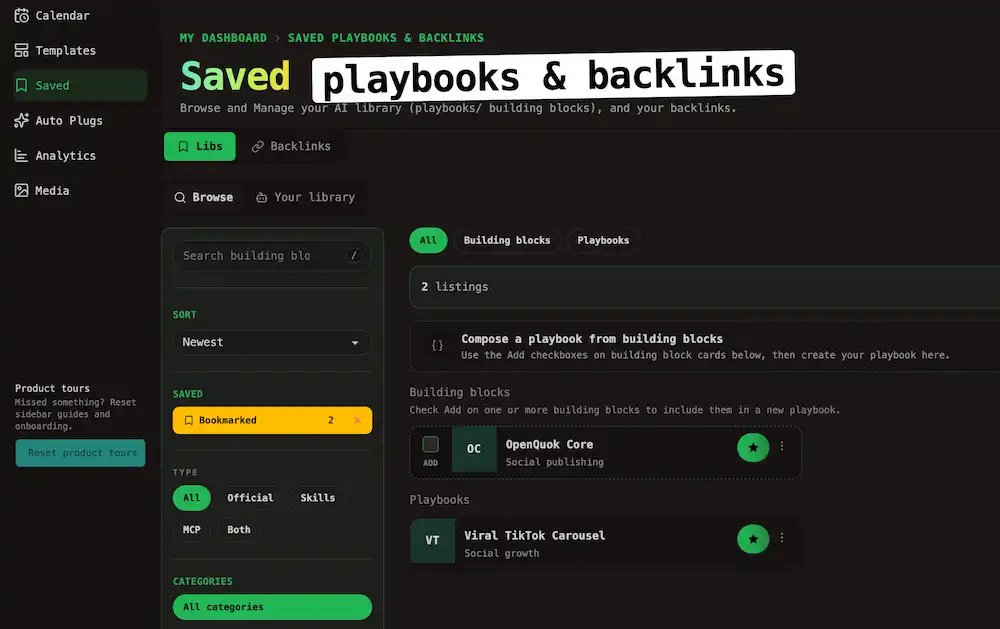
Browse matches the public hub pattern: filters in a left sidebar, results on the right.
Note
You can choose between Building Blocks, Playbooks, and All on the grid
Sidebar controls
| Control | Effect |
|---|---|
| Search | Matches titles and descriptions |
| Sort | Newest, Oldest, Most liked, or Most viewed |
| Saved → Bookmarked | Shows only listings you saved and the count; click × to turn the filter off |
| Type | When All or Building blocks is active on the grid, filter by Skills, MCP, or Both |
| Categories | Pick one category, or choose All categories |
| Tags | Click tag chips to narrow the grid; click an active chip again to remove it. Use More when the list is long |
Bookmark on public hubs
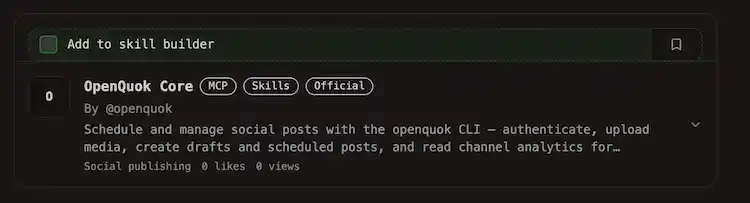
While you browse Building Blocks or Playbooks, use Bookmark icon on a card to save it.
Warning
Note
Listing bookmarks are separate from Backlinks shortlists on Account → Saved → Backlinks. See Backlinks shortlist for outreach sites.
After you sign in
When you open Libs → Browse or return to a public hub while signed in, OpenQuok reads browser bookmarks and your account sync it.
| State | What happens |
|---|---|
| Signed out | Picks stay in browser storage on this device. They still show as bookmarked on hub cards and in Browse when the catalog row is loaded. |
| Signed in | Local picks merge into your account. Duplicates drop out. After merge, your account is the source of truth across devices. |
Card actions
Open the ⋯ menu on a card:
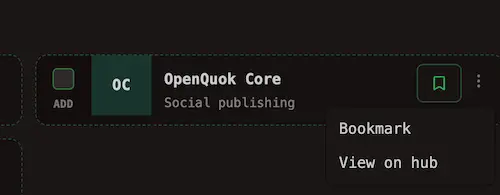
| Action | When to use it |
|---|---|
| Bookmark / Remove bookmark | Save a listing for later (local in the browser; syncs to your account when signed in) |
| View on hub | Open the public detail page on Building Blocks or Playbooks |
Compose from Browse
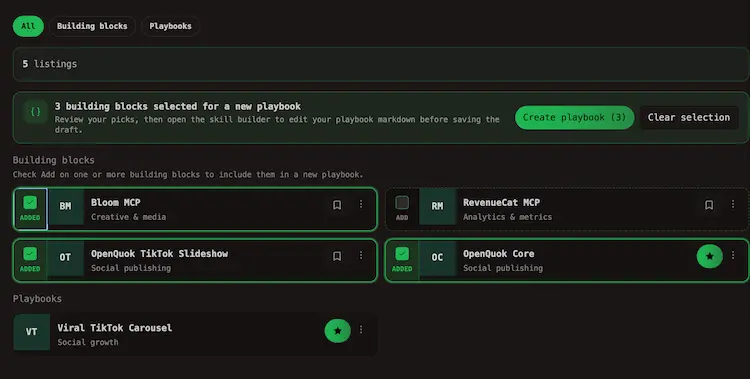
Building block cards include an Add checkbox. Select one or more blocks, then use Create playbook in the bar above the grid. That flow continues in Compose a playbook.
Tip
You can run the same steps from Your library when you want to stack your own drafts with catalog entries.
Cookies and local storage
Anonymous bookmark picks may live in browser storage until you sign in and merge. OpenQuok also uses first-party cookies for account and product features. See the Cookie Policy for how cookies are used across the app.